What to Worry About When Buying a Refurbished Laptop? Cooling, Lag, and Port Compatibility—Solved
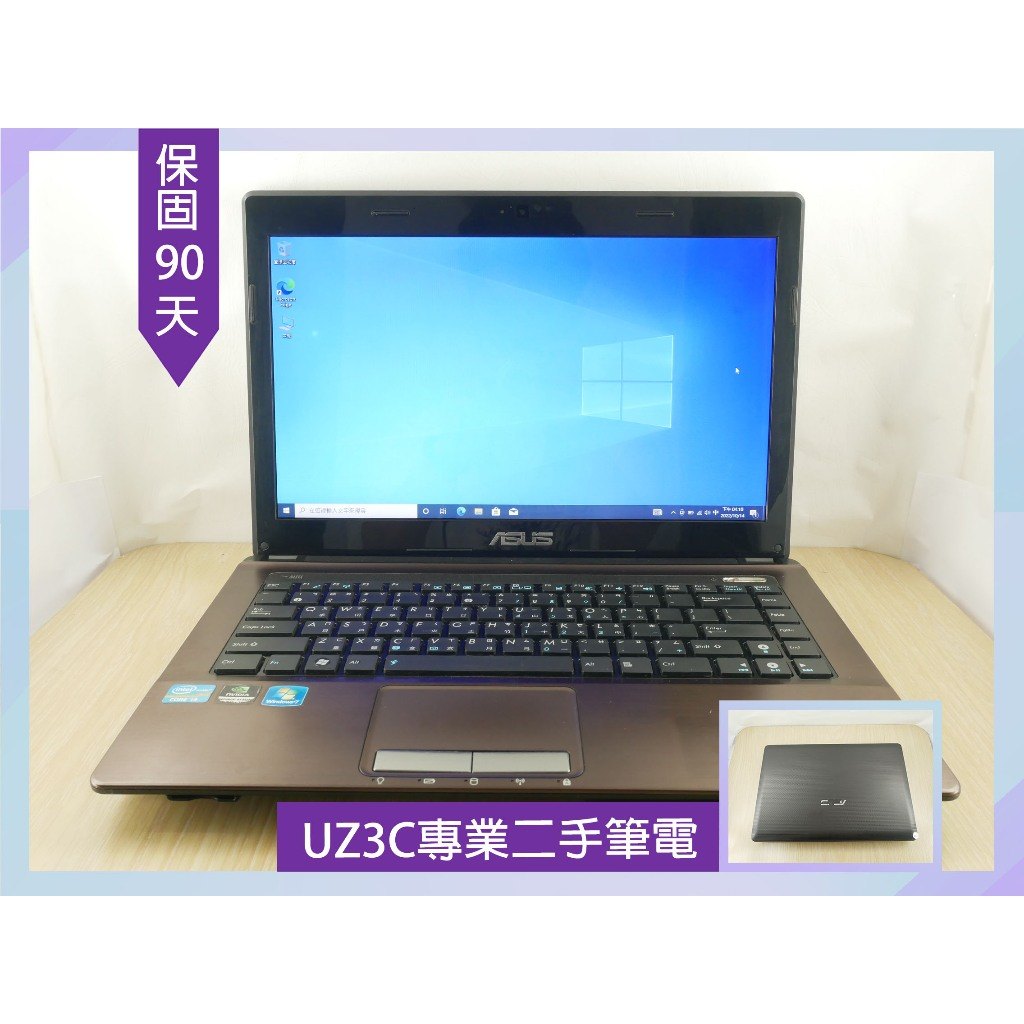
Refurbished laptops often come with predictable pain points: overheating, slow boot, multitasking lag, and port mismatch. This guide maps each issue to the right spec and shows how this product’s cooling refurbishment, SSD, RAM options, and ports help you avoid common problems.
1) Cooling is the foundation for long-session stability
If performance drops after a while, cooling is often the culprit. Look for internal cleaning and thermal paste replacement to reduce heat-related slowdowns.
2) SSD and system setup affect boot and responsiveness
Slow boot and laggy app loading usually point to storage performance. SSD upgrades and a ready-to-use Windows 10 setup improve daily responsiveness.
3) Match RAM and ports to your real workflow
Multitasking lag is commonly RAM-related. Choose 8GB/12GB for heavier multitasking, and confirm ports (HDMI/USB/Type-C/VGA) match your external display needs.