Buying an i7 Business Laptop for Both Work and Light Gaming: CPU, Type-C, and FHD Screen Explained
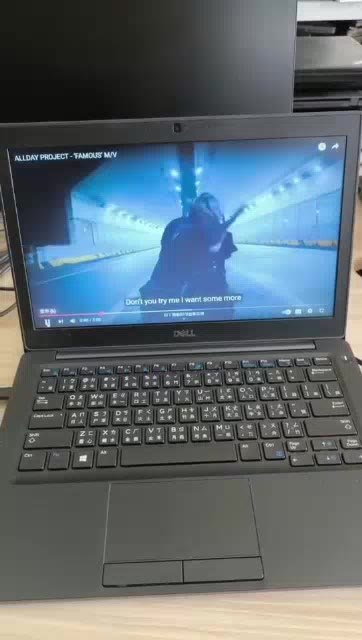
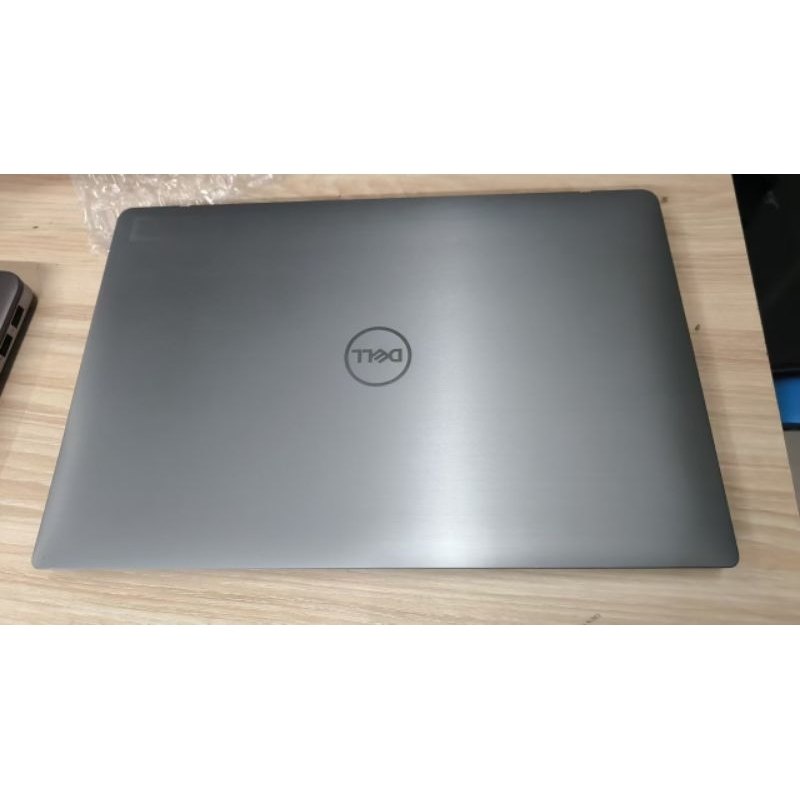
If you want one laptop for work, browsing, and streaming—and also to run LOL and emulators smoothly—focus on CPU performance, Type-C power compatibility, and an FHD screen. This guide breaks down the key specs so you can choose the right i7 business laptop for your routine.
Who this kind of i7 business laptop is for
You’re a good match if you need a daily driver for office work and entertainment, want clear visuals for FHD content, and occasionally play light games or run emulators. The goal is stable multitasking—not chasing ultra-high-end graphics.
Why CPU + Type-C + FHD matter more than you think
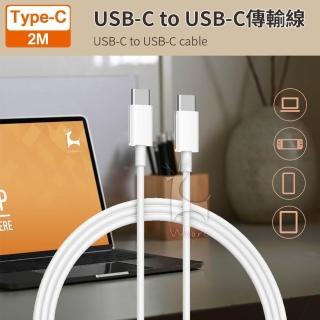
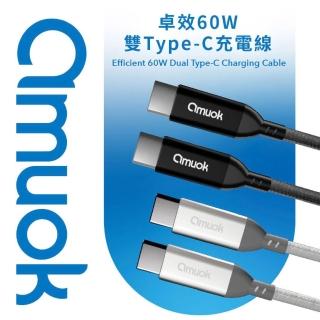
CPU determines how comfortable multitasking feels (many browser tabs, documents, and emulators). Type-C support with 65W+ power can simplify travel and reduce extra adapters. An FHD (1920×1080) screen improves clarity for streaming and games like LOL.
How to pick the right configuration (quick checklist)
Choose based on your top priority: multitasking (i7-class CPU + SSD), emulator/light gaming (CPU capability and memory), travel convenience (Type-C power compatibility), and visual comfort (FHD resolution and anti-glare if available).
FAQ
This laptop class is best for light gaming and everyday use, not heavy AAA titles. Type-C may replace the adapter only when the power spec matches. Smaller SSD capacity can still feel fast due to SSD speed—just manage storage for larger files.