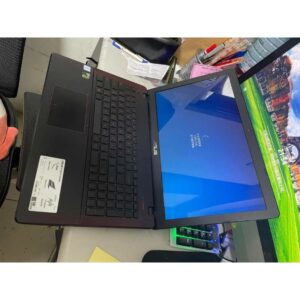
Refurbished Laptop Running Slow? A Practical Self-Check Guide for SSD, RAM, and Cooling
If your refurbished laptop feels slow, don’t guess—check the fundamentals. This tutorial helps you diagnose boot speed, multitasking lag, and long-session overheating using SSD, RAM capacity, and cooling refurbishment.
1) Check boot & app loading first (SSD impact)
SSD usually makes boot and app launching noticeably faster. Compare your time-to-desktop and how quickly Office/Browser opens after startup.
2) Use RAM capacity to explain multitasking lag
Match RAM (4GB/8GB/12GB) to how many windows and tools you run at the same time. More multitasking generally needs more RAM.