How to Choose Refurbished i5–i7 Laptops/Desktops for Office & Video
Need a reliable refurbished i5–i7 setup for documents and video? This guide focuses on CPU, RAM, and SSD—plus a practical checklist for ordering and common questions.
1) Start with your real usage scenario
If your tasks are browsing, Word/Excel, and watching videos, prioritize stability and responsiveness over brand hype. i5–i7 paired with an SSD typically feels smoother for everyday office work.
2) Check the core specs: CPU, RAM, SSD
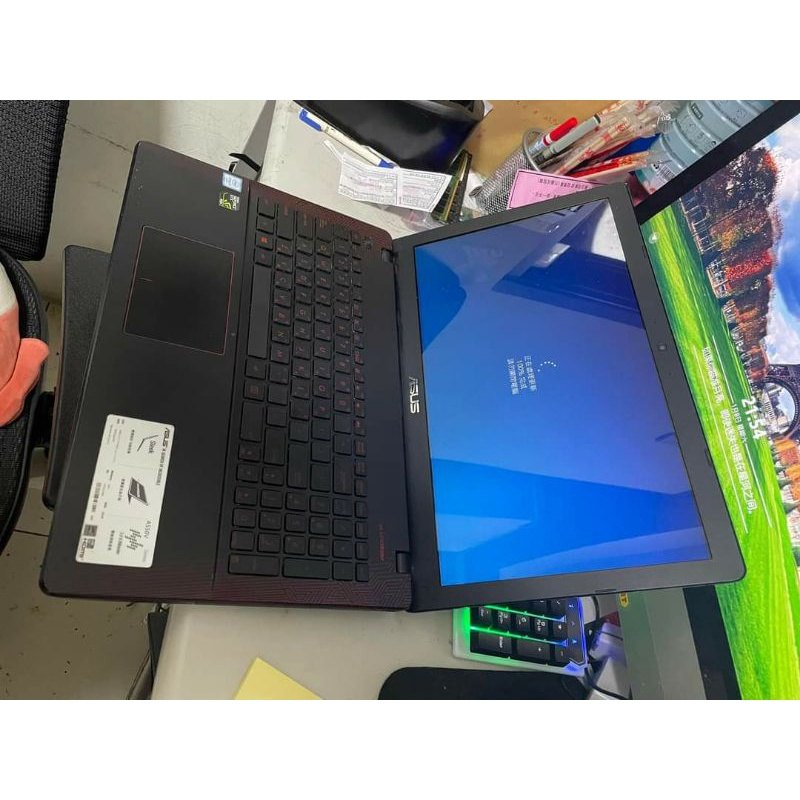
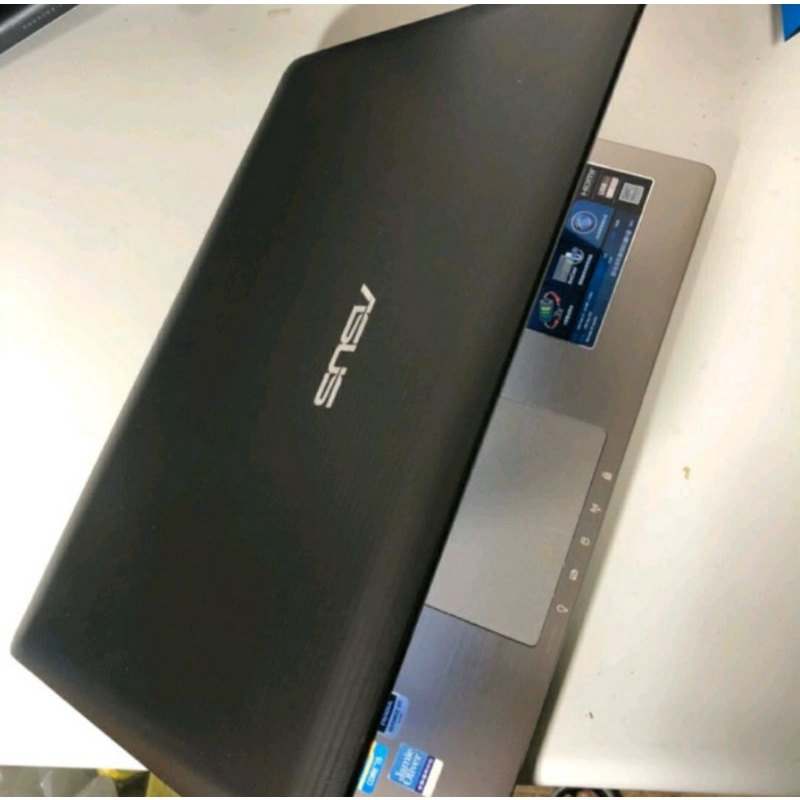
For this product line, common configurations include i3/i5/i7 CPUs, 4GB RAM, and SSD 120G. i5–i7 helps with multitasking, while SSD improves boot and loading speed. 4GB RAM is fine for light multitasking but may feel tight with many browser tabs.
3) Use order notes to match your needs
You can add preferences such as laptop size (12.5-inch or 14-inch) and CPU level (i5 or i7). Write your intended use (office, video, general web) to get a more suitable match.
4) FAQ: battery, storage, and after-sales expectations
Because these are refurbished units, cosmetic wear is normal. Battery performance may vary. SSD 120G is usually enough for documents and streaming, but consider external storage if you install many apps or store large files.
Rolling Desk for Laptop – Standing or Sitting Mobile Computer Cart with Wheels, Adjustable Height & Angle 23.6-inch Surface – Portable Home Office Workstation – Black