English Version
Laptop Gets Laggy with Multitasking? Fix It with an i7 Business Laptop for Emulators and Many Tabs
If your laptop slows down when you open many tabs and run emulators or light games, the cause is usually a mismatch between workload and specs. This guide covers practical fixes—CPU multitasking ability, SSD/RAM pairing, Type-C power stability, and basic system maintenance—to help you get smoother switching and fewer stutters.
Identify the real cause of lag (it’s usually workload mismatch)
When you combine many browser tabs with emulators or light gaming, CPU multitasking becomes the bottleneck. Power stability and storage management also affect the overall feel.
Match specs to your routine: CPU, SSD, and Type-C power
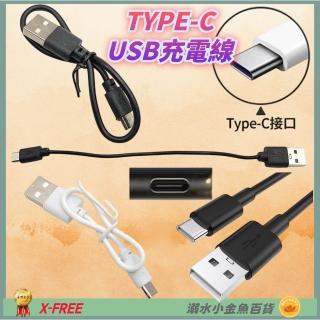
i7-class CPUs help maintain responsiveness under multitasking. SSD improves loading speed, and Type-C support with 65W+ power helps prevent performance drops outside.
Use system maintenance to avoid “getting slower over time”
If you frequently install or change settings, having a one-click restore approach can reduce downtime and help you return to a stable state quickly.
FAQ
8GB RAM can be fine for office work, but heavy multitasking may require managing background apps. Type-C instability is often tied to insufficient power during emulator/game workloads. Upgrading to an i7 business laptop improves multitasking responsiveness for this specific usage pattern.