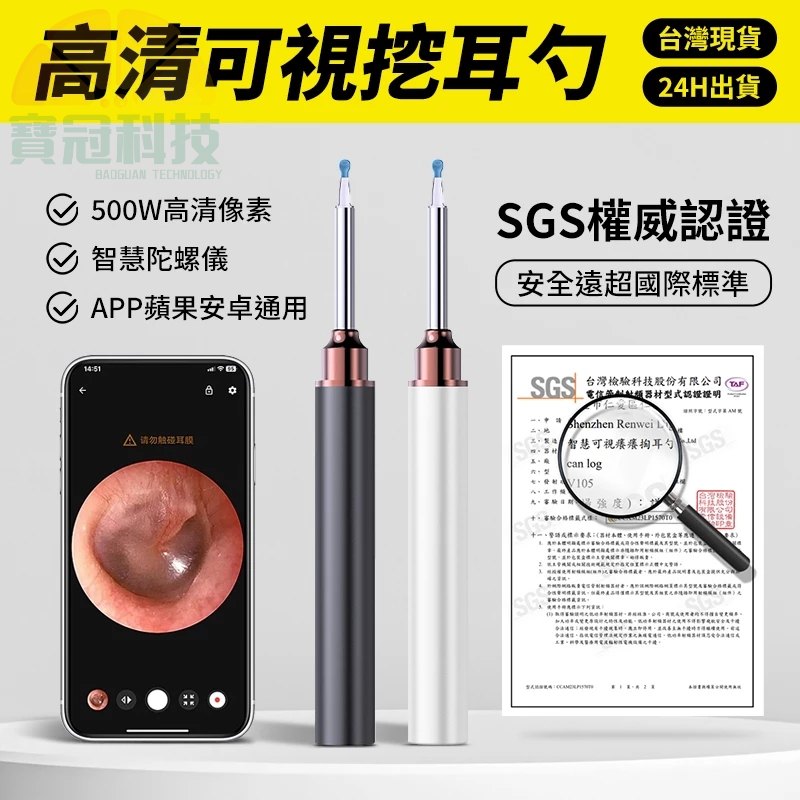
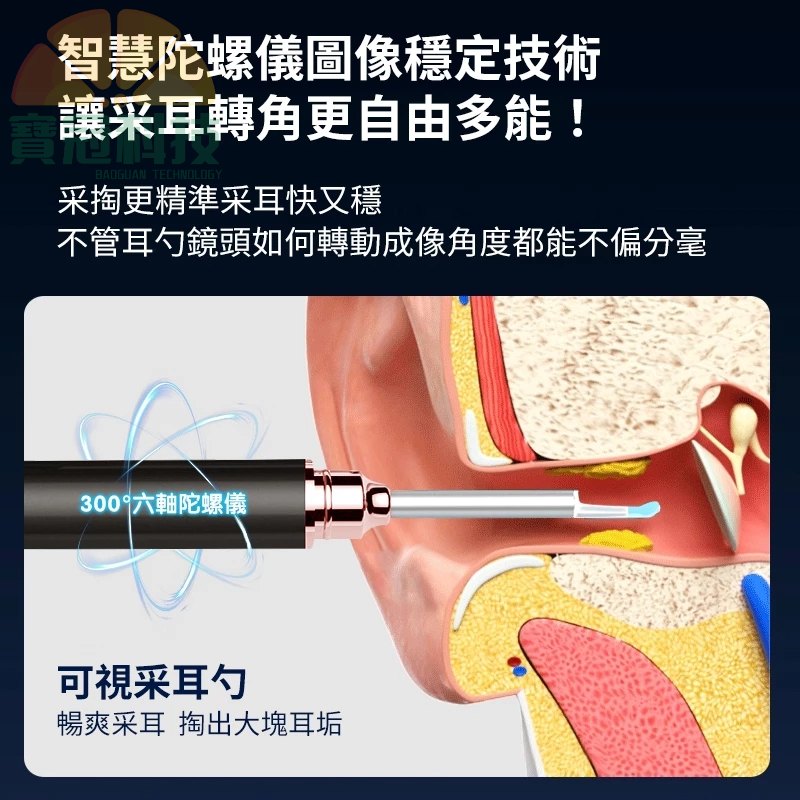
How to Use a Phone Visual Endoscope Ear Pick: App Connection, Permissions & Troubleshooting
New users often get stuck with WiFi connection, missing live video, or app crashes. This step-by-step guide shows the exact workflow and a troubleshooting table so you can get stable live viewing faster.
Pre-checks before you start
Confirm your phone OS version, charge the device if needed, and choose a safe environment before operating.
App + WiFi setup workflow
Download via the QR code, power on and attach the ear spoon head, connect your phone to the device WiFi, then open the app and grant permissions.
Troubleshooting table for common issues
Use the symptom-based fixes: reboot/charge for power issues, reinstall and allow permissions for app crashes, and disconnect/reconnect WiFi for missing live video.
Safety and hygiene reminders
This is a personal hygiene item. Avoid child-only use and understand that opening may affect return eligibility.
Sticky Cleaning Ear Stick, Gentle Reusable Soft Spiral Head Adhesive Ear Pick for Safe Ear Cleaning, with Gentle Removal Stick for All Ages (5mm-24 pcs)