English Version
How to Choose a Visual Ear Pick (Ear Spoon) with a Phone Endoscope: NCC Certification & App Setup
Want to see your ear canal clearly before you act? This guide covers key selection points—NCC certification, phone/app workflow, WiFi connection stability, and quick troubleshooting—so you can use a visual ear pick more confidently.
Why choose a visual ear pick?
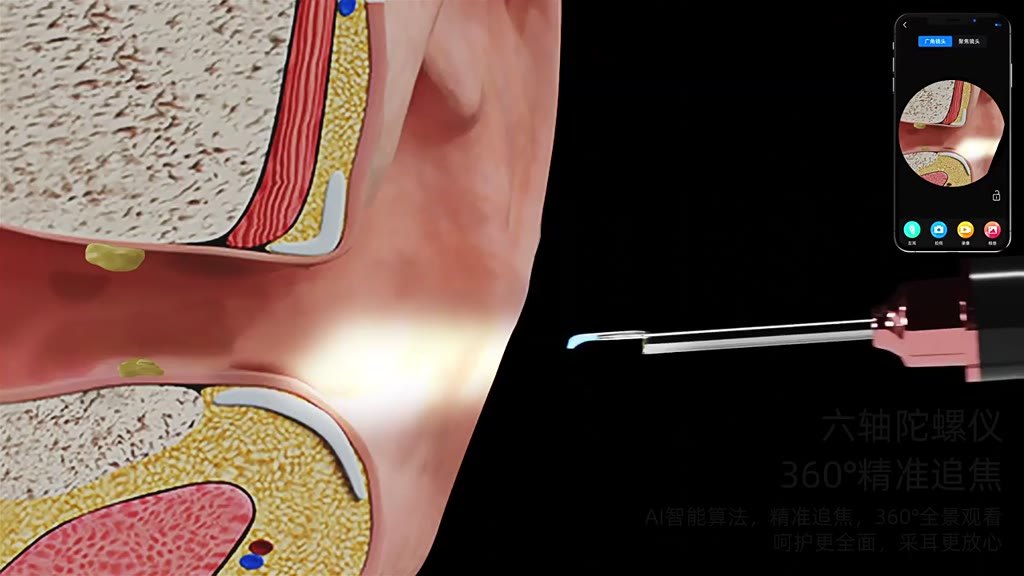
Traditional ear tools rely on blind angles. A visual ear pick combines a camera with a phone app so you can check what you’re seeing before proceeding—helping you feel more in control.
What to check before buying (NCC, compatibility, connection)
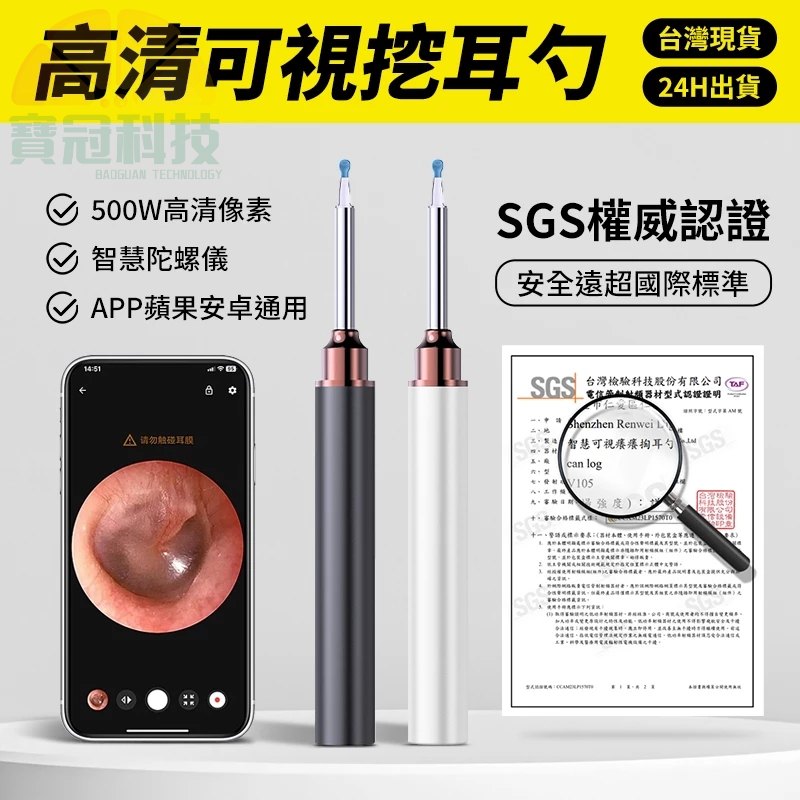
Look for NCC certification, confirm iOS/Android compatibility, and understand the WiFi-based workflow. Also remember it’s a personal hygiene item—check return conditions before opening.
First-time setup workflow
Download the app via the QR code in the manual, power on the device and attach the ear spoon head, connect your phone to the device WiFi, then open the app to start viewing.
Quick troubleshooting for common issues
If the device won’t power on, charge it; if the camera light won’t turn on, reboot the device. For app crashes, restart your phone or reinstall from the QR code and grant permissions.