Beginner Guide: 5 Steps to Pair and Fine-Tune an Open-Ear Bluetooth Earphone
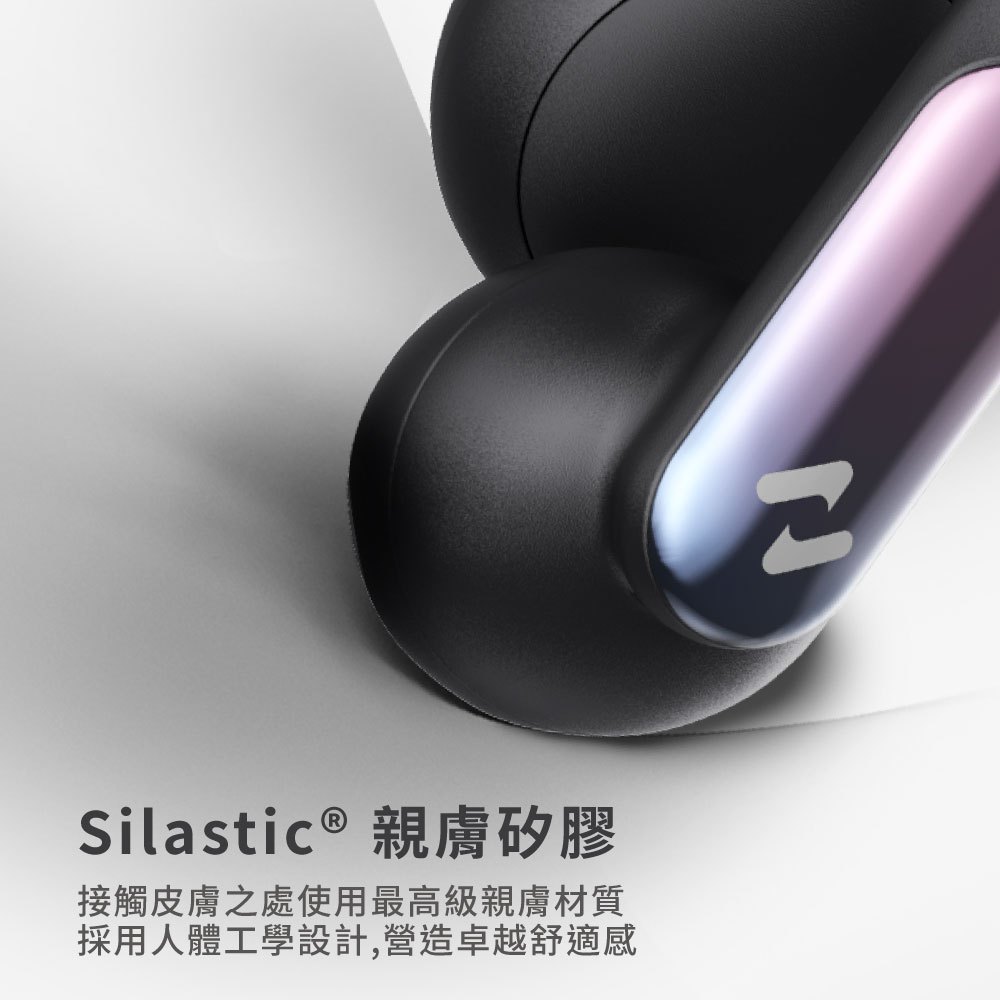
New to open-ear Bluetooth? This step-by-step guide covers pairing and the small fit adjustments that make a big difference. Using OPENBUDS ONE’s open-fit memory ear clip concept, you’ll get comfortable faster.
Step 1–2: Confirm fit direction and enter pairing mode
Start by checking left/right orientation, then put the earphones into pairing mode and select the correct device from your phone or computer’s Bluetooth list.
Step 3–4: Test sound/calls and micro-adjust the ear-side support
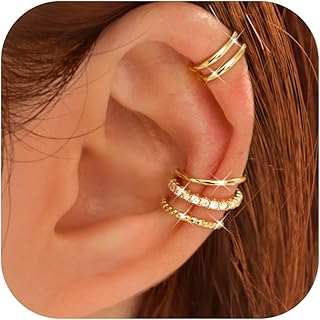
After pairing, test playback and the built-in microphone. For open-ear comfort and stability, micro-adjust the angle until the ear clip support feels secure during slight head movement.
Step 5: Build daily habits for consistent listening
Set a comfortable volume level and use the controls consistently. Open-ear designs are more sensitive to environment, so a stable routine helps maintain the sound experience.