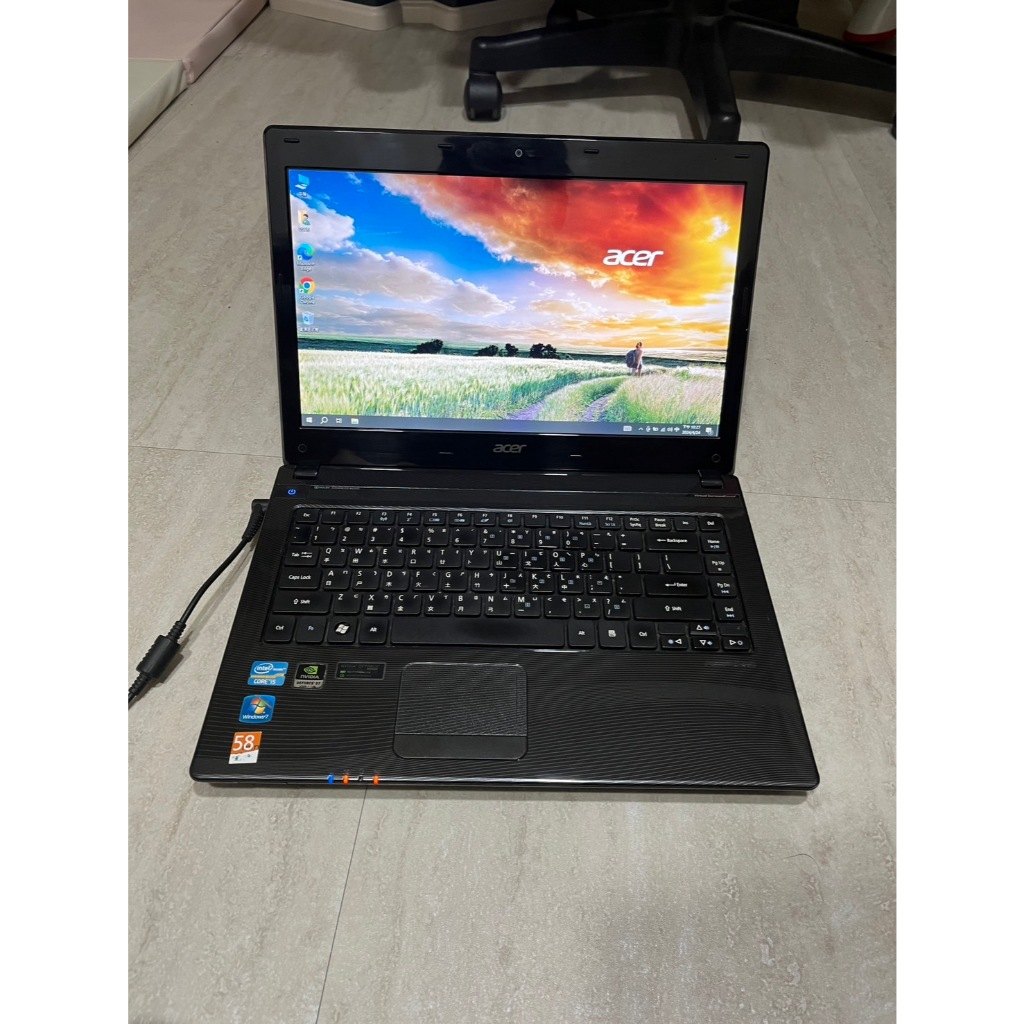
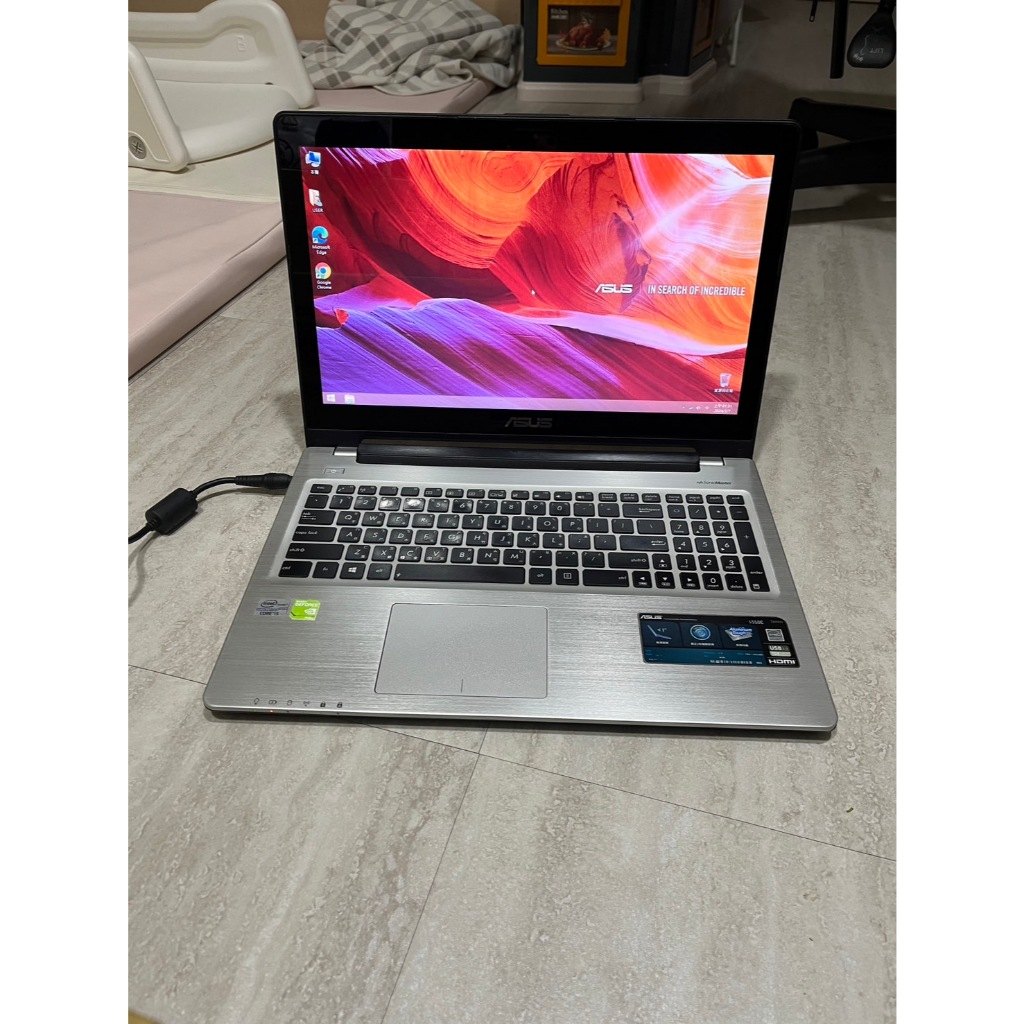
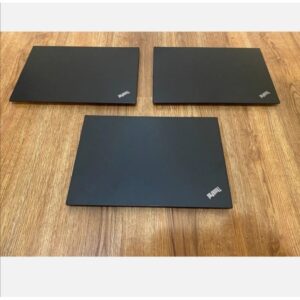
Performance Setup Tutorial for a High-Performance Laptop: 7 Steps to Get More Speed & Stability (i7/16GB/2GB Dedicated GPU/960GB SSD)
Buying a high-performance laptop is only half the story. This tutorial shows 7 practical steps to unlock the real benefits of i7, 16GB RAM, a 2GB dedicated GPU, and a 960GB SSD—so your daily multitasking, media playback, and light editing feel smoother. 💡
Start with power and startup control
Set a performance-friendly power mode and reduce unnecessary startup items. This lowers early CPU/RAM load so your i7 and 16GB RAM can respond faster during daily tasks.
Use the dedicated GPU only when it matters
For graphics-heavy tasks like media processing or entertainment, enable the dedicated GPU. For pure office work, you can avoid extra load—keeping the system stable and efficient.
Keep SSD performance consistent
Even with a 960GB SSD, maintain free space and manage storage. This helps prevent slowdowns caused by updates and temporary files.