If your TV audio feels muffled, bass sounds too thin, or Bluetooth keeps dropping, this guide gives you a practical troubleshooting order and tuning tips—so your 2.1 Bluetooth soundbar can deliver clearer vocals, fuller bass, and smoother daily use.
Muffled Dialogue: Check Output and Surround Settings
Confirm the soundbar is selected as the output device, then test with vocal-focused content. If surround-style processing sounds off, switch to a more natural mode.
Thin Bass: Center Placement and Adjust Low-Frequency Level
Place the soundbar near the TV center and keep the front unobstructed. Then increase low-frequency level gradually until you get thickness without boom.
Bluetooth Drops: Reduce Multi-Device Conflicts
Keep one primary device connected, avoid long distance and heavy obstacles, and re-pair if needed to restore stability.
FAQ and Quick Checklist
Use surround mode selectively by content type, and avoid simultaneous pairing from multiple devices for a smoother experience.

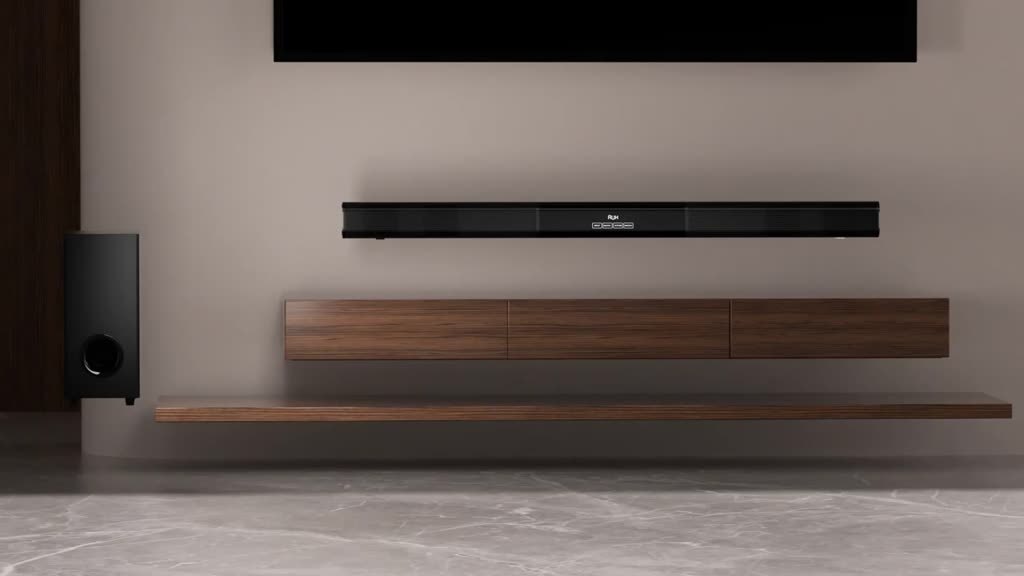
 (情境示意:客廳追劇時,聲音更集中更有層次。)
 (擺放示意:置中與通暢能讓低頻更穩、更不容易散。)