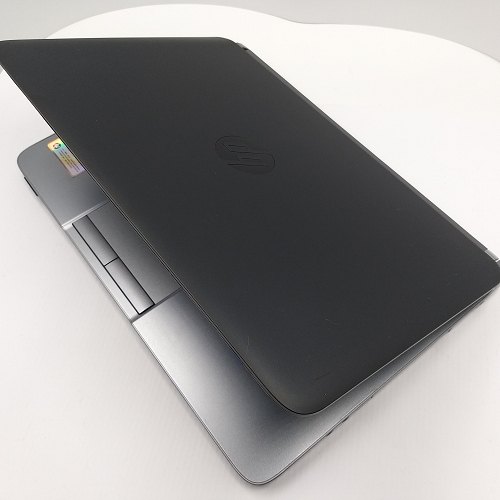
Office Laptop Lag Fix: Solve “Slow, Wait, Full” with ProBook 430 G3 (i7 6th Gen / 8GB / 512GB SSD)
Do you experience slow boot, laggy window switching, and sluggish file loading? This guide breaks down the “slow, wait, full” pain points and shows how the ProBook 430 G3 configuration (i7 6th gen / 8GB / 512GB SSD) helps improve real office responsiveness—plus quick actions you can do right away.
Pain point #1: slow boot and slow app loading
A big contributor is storage read/write speed. With a 512GB SSD, the ProBook 430 G3 typically improves boot time and app loading—reducing the frequent “waiting” moments in daily work.
Pain point #2: lag when switching windows and multitasking
This is often related to CPU stability and RAM headroom. The i7 6th gen CPU supports steadier multitasking, while 8GB RAM helps handle common Office + browsing workflows.
Pain point #3: storage gets full and file management becomes painful
When storage fills up, you spend time clearing and reorganizing instead of working. A 512GB SSD makes it easier to keep projects and frequently used files in one place.
Quick fixes you can do immediately
Turn off unnecessary startup apps, manage browser tabs, organize files into consistent folders, clear temporary downloads, and close background tools after work.