Bluetooth Soundbar Setup Guide: 7 Steps from Pairing to Sound Tuning
New to Bluetooth soundbars? This step-by-step guide helps you pair smoothly, reduce common issues like low-bass boom or unclear vocals, and tune surround-style settings for everyday use.
Step 1–3: Pairing Without Frustration
Turn on the soundbar, enter pairing mode, then select it from your phone/PC Bluetooth list. Confirm the output device is set correctly.
Step 4–6: Test Content and Tune Bass/Surround
Use vocals-first test audio, start at moderate volume, then enable surround-style mode and adjust low-frequency level for a balanced sound.
Step 7: Placement Matters More Than You Think
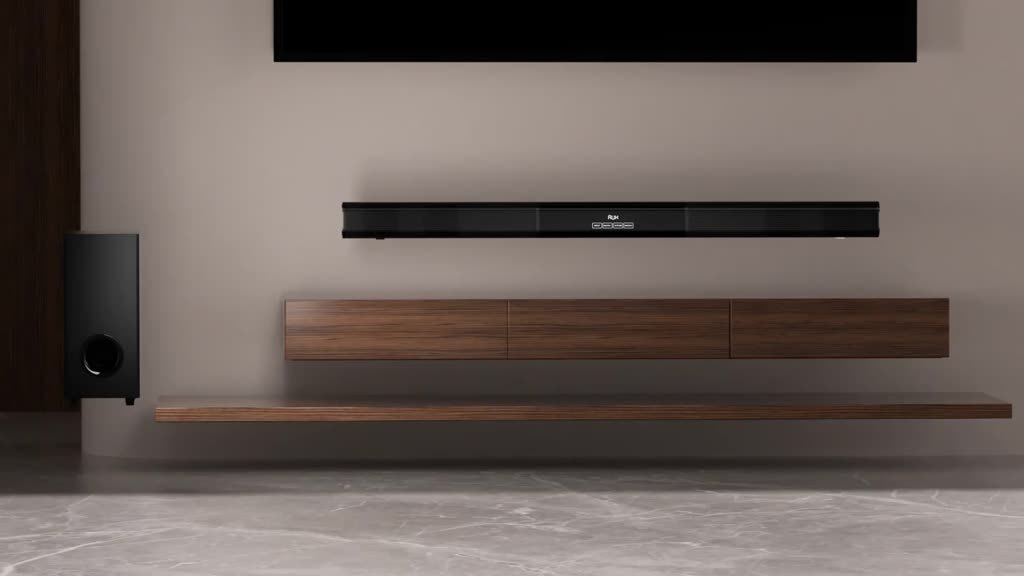
Center the soundbar under the TV and keep the front area clear to improve imaging and reduce unnatural reflections.
FAQ: No Sound, Lip Sync, and Bass Boom
If there’s no sound, check mute and output selection. For lip sync, test with multiple videos and adjust audio output settings. For bass boom, lower low-frequency level and improve placement.