How to Use a Visual Ear Pick: App Connection, Unstable Video Fixes, and Troubleshooting
New users usually get stuck on app connection and live viewing—not the ear tool itself. This step-by-step guide covers setup, WiFi pairing, and the most common troubleshooting scenarios.
First-Time Setup: From QR Scan to Live View
Download the app via the QR code, power on the device, attach the ear spoon head, connect your phone to the device WiFi, then start viewing in the app. Don’t skip permission authorization on first use.
Troubleshooting Table: No Power, No Light, App Crashes
If the device won’t power on, charge and restart. If the camera light won’t turn on, restart the device. If the app crashes, restart your phone or reinstall after rescanning the QR code.
Live Image Not Showing & Unstable WiFi Fixes
Disconnect and reconnect WiFi, restart the device, and reinstall the app if needed. For unstable connections, restart both the app and the device, then reconnect to the device WiFi.
Quick Tips for Smoother Operation
Use a compatible phone system version, avoid switching networks during connection, and keep the workflow consistent: connect WiFi → open app → confirm live video before operating.

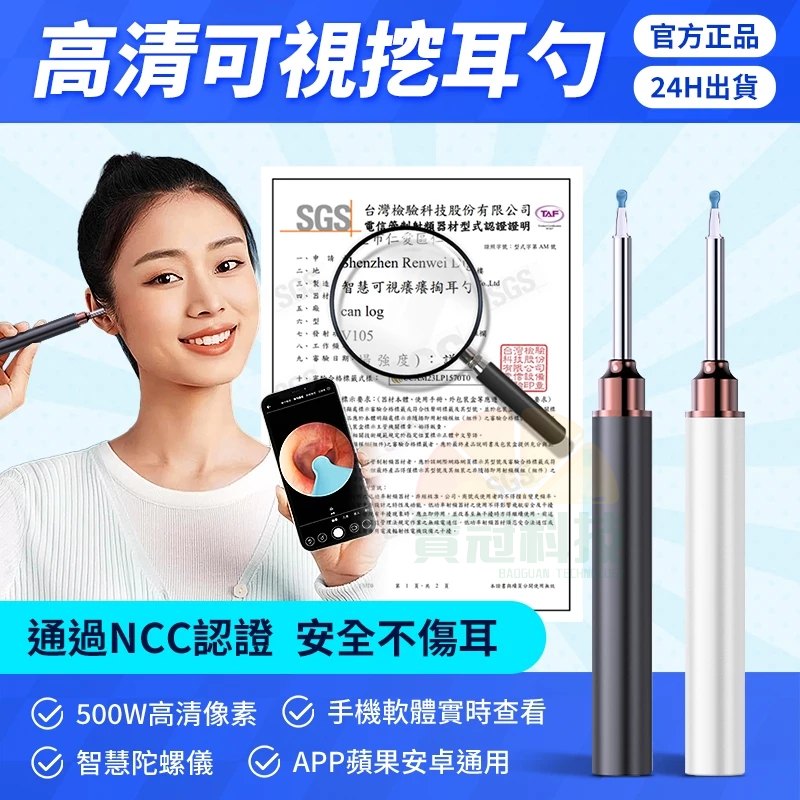 Step by Step:第一次開機到看到影像
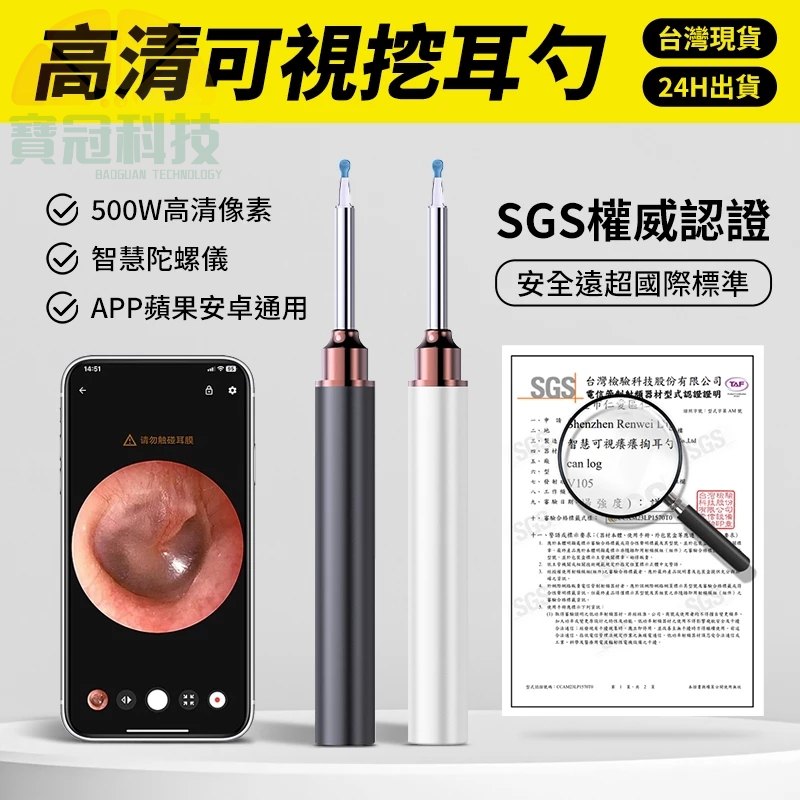 故障排除:常見現象對應解法(照表找原因)