Bass Too Weak or Sound Feels Scattered? Fix It with an RGB Desktop Speaker Setup Checklist
Having thin bass, scattered sound, or inconsistent Bluetooth volume? This guide targets the dual sub-bass diaphragm design with practical placement, connection, and volume calibration steps—so your RGB desktop speaker reaches its best performance faster. ✅
Identify the Real Cause Behind “Weak Bass”
Weak bass is often a placement and calibration issue. Start with low volume, center the speaker toward your listening spot, and reduce harsh desk reflections.
Make Sound More Focused (Not Just Louder)
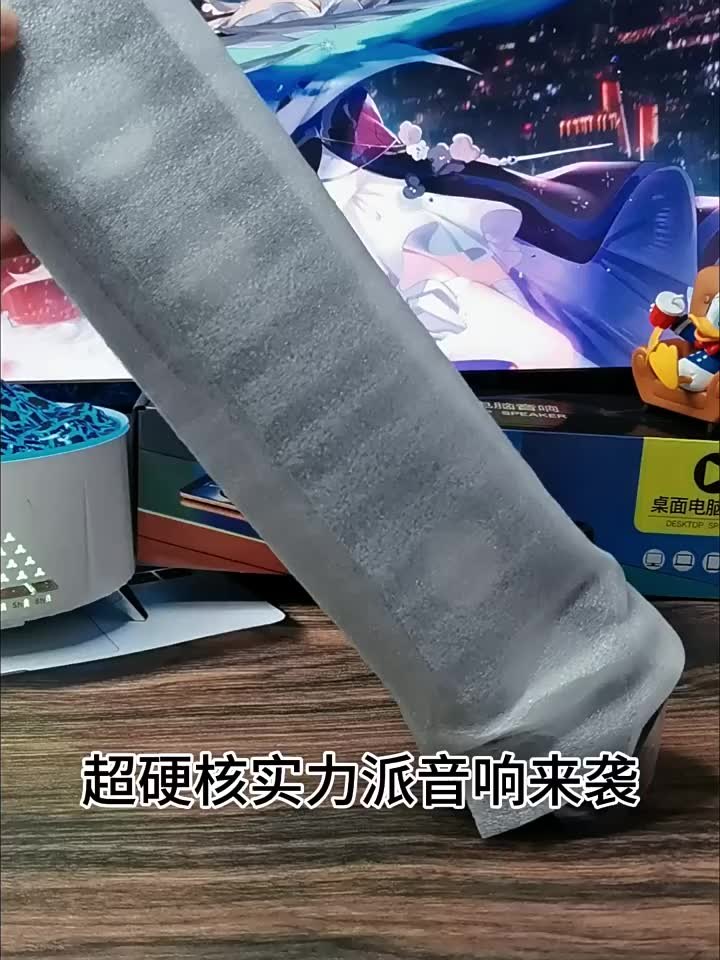
Place the long-bar speaker under the monitor or at the desk center. Avoid corner/edge placement that can cause scattered imaging and muddier sound.
Fix Bluetooth Inconsistency with Volume Calibration
After switching devices, set the phone/PC volume to 30–50% first, then fine-tune on the speaker. If you need maximum consistency, use wired input.
Quick Spec-Based Troubleshooting Checklist
Use the key specs as your reference: dual sub-bass diaphragms for bass presence, Bluetooth 5.0 + EDR for wireless convenience, and USB DC5V (5V 2A) for stable desktop power.
🛒 你可能會需要
Amazon 推薦
Govee RGBIC LED 燈條,臥室 智慧型 LED 燈,藍牙 LED 燈應用程式控制,一條線上的 DIY 多種顏色,變色的 LED 燈條照明音樂同步,居家裝飾,10 英尺(約 5.0 公尺)。