Solve Common Refurbished Laptop/Desktop Pain Points: Lag, Battery, and Spec Mismatch
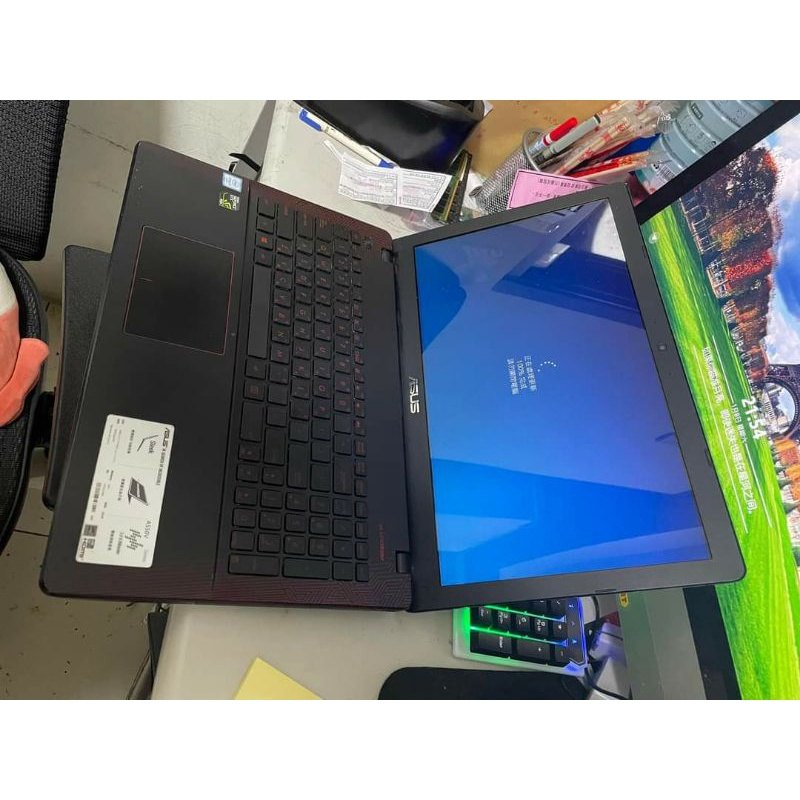
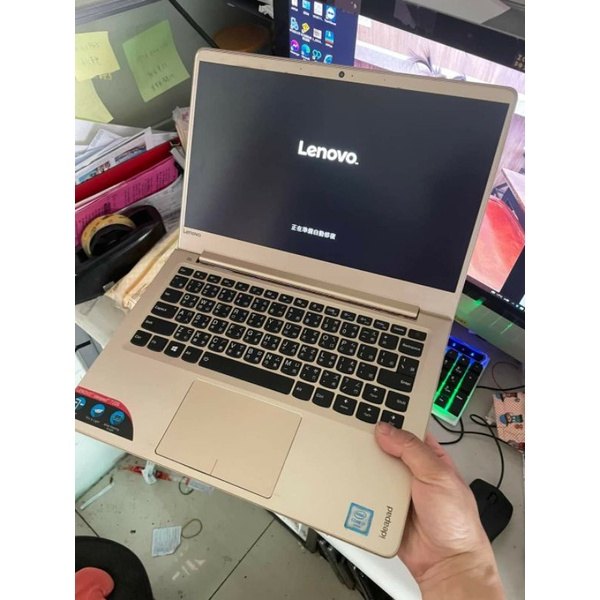
Buying refurbished i5–i7 units can come with real-world issues. This guide helps you troubleshoot lag (often RAM-related), handle battery expectations, prevent spec mismatch with better order notes, and manage SSD capacity limits.
1) Lag or slow browsing: manage RAM pressure
With common specs like 4GB RAM and SSD 120G, heavy multitasking and many browser tabs can cause lag. Close unnecessary tabs/background apps and test with one primary workflow.
2) Battery not lasting: adjust expectations and test early
Battery performance may vary for refurbished units. Test both plugged-in and unplugged usage early, and plan to use it mainly with power if needed.
3) Spec mismatch: prevent it with clear order notes
Use a simple template for CPU level, laptop size preference (12.5-inch or 14-inch), and intended use (office/video/web). This reduces the chance of misunderstanding.
4) FAQ: wear marks, troubleshooting steps, and after-sales handling
Cosmetic wear is normal. If a real fault occurs, follow the seller’s process promptly. For storage-related slowdowns, clean up and consider external storage.
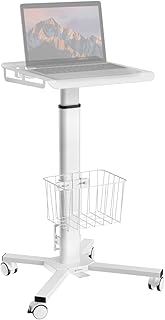
Rolling Desk for Laptop – Standing or Sitting Mobile Computer Cart with Wheels, Adjustable Height & Angle 23.6-inch Surface – Portable Home Office Workstation – Black