How to Judge Type-C Power: A Checklist for Choosing an i7 Business Laptop
Many buyers assume Type-C means easy charging—until power becomes unstable outside. This guide shows a practical checklist to confirm Type-C power support (often 65W+), then pairs it with SSD/RAM and an FHD screen for a smoother work-and-light-gaming experience.
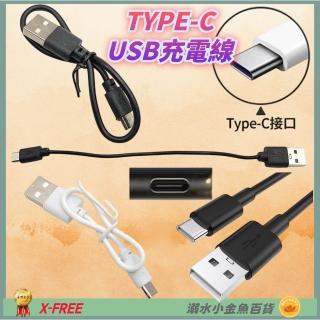
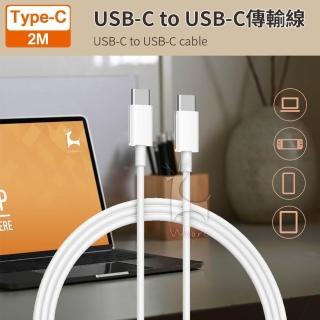
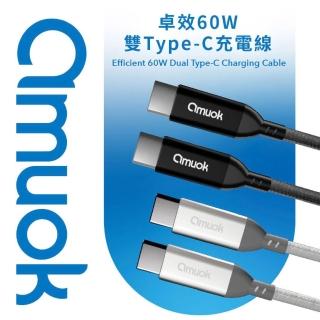
Confirm Type-C is actually for power, not just a port
Look for descriptions that explicitly mention Type-C power support and compatibility with charging/adapter use. A Type-C connector alone doesn’t guarantee it can power the laptop reliably.
Use 65W+ as your practical baseline
If the listing mentions 65W+ compatibility, treat it as the minimum for stable performance—especially when you run emulators or light games.
Don’t ignore SSD and RAM—power isn’t the only bottleneck
Even with sufficient power, slow storage or limited memory can cause lag during multitasking. Typical configurations here include DDR4 8GB and SSD around 240G/256G.
FAQ
If your power bank’s wattage is unclear, match it to the laptop’s Type-C power requirement. Type-C stability can affect frame consistency for light gaming. FHD is not mandatory for office work, but it improves streaming and game clarity.