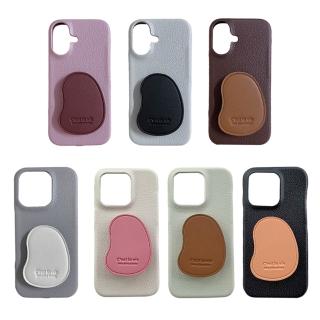
How to Install and Test a Phone Case Height: Confirm “Raised Above the Camera/Screen”
After you install a protective case, how do you know the raised camera/screen design is actually working? Follow this 3-step test to verify fit and protection in minutes.
Step 1: Install Correctly to Avoid Height Misalignment
Align the camera and button areas first, then press along the edges gradually. Fully seat all corners so the raised protection stays consistent.
Step 2: Do a Simple Desk Contact Test
Place the phone on a flat surface and observe the first contact point. A good raised design should shift contact to the case edges rather than the lens/screen.
Step 3: Check Lens Gap with Side Light or a Thin Paper Strip
Use side lighting or a thin paper strip to see whether there’s a gap under the camera area. If the gap is missing, reinstall and re-check fit.

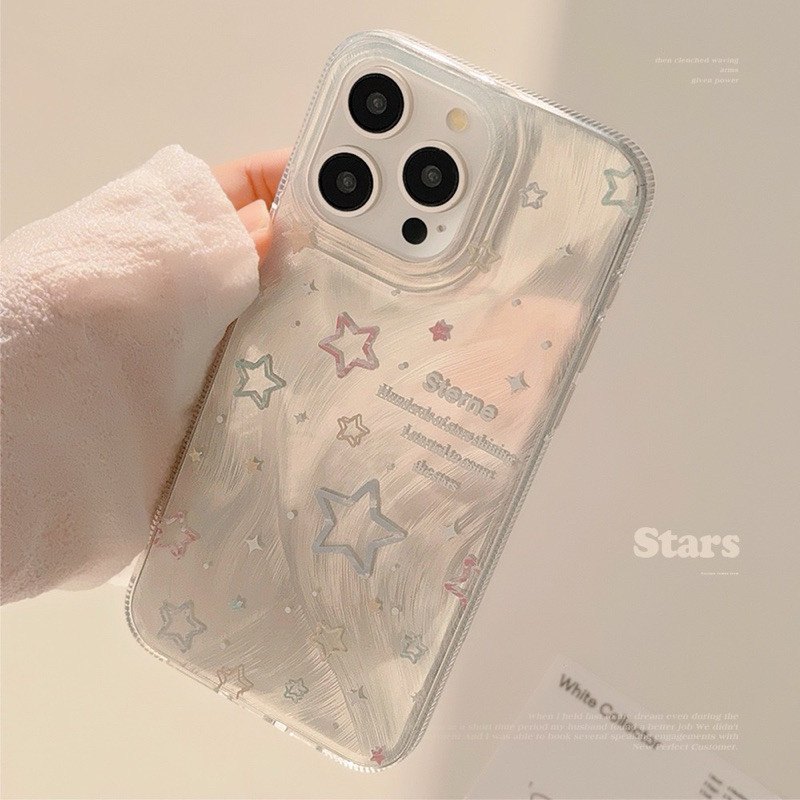 :安裝前先檢查孔位
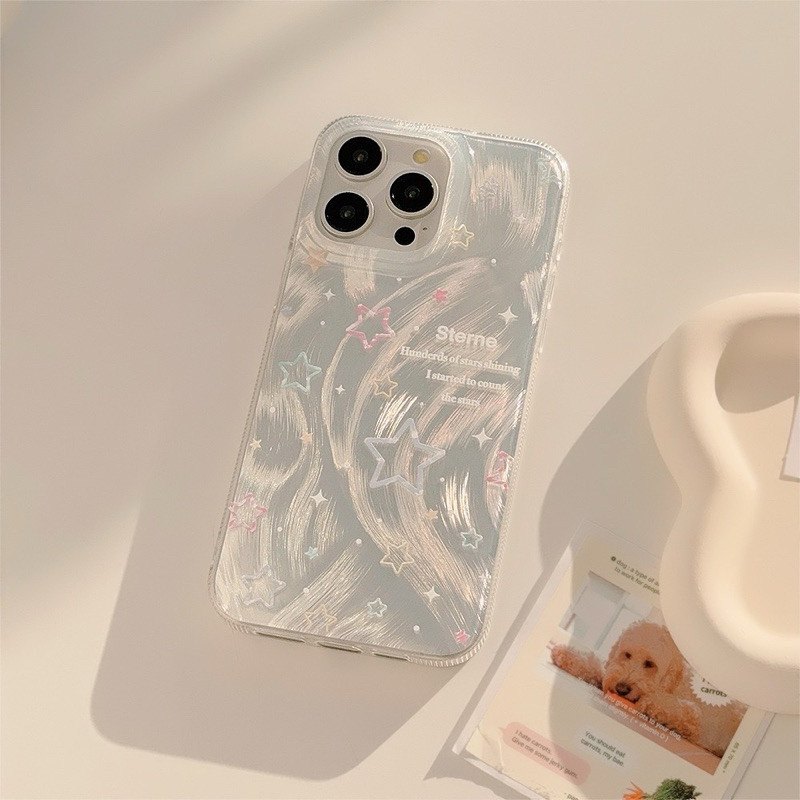 :桌面高度測試