English Version
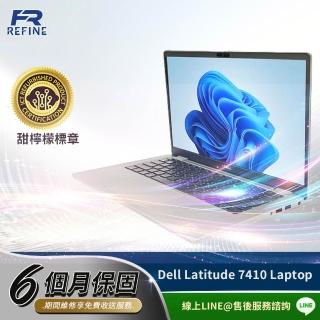
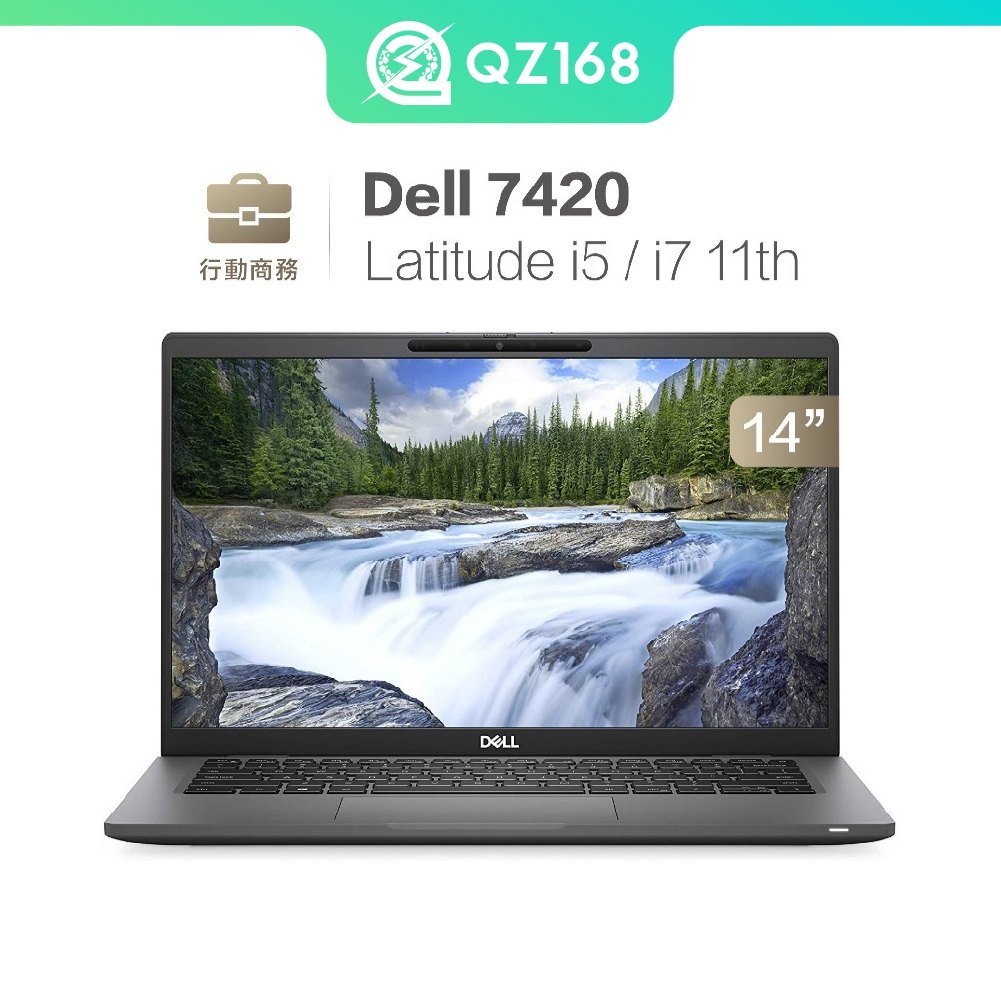
How to Choose a Durable Business Used Laptop: Dell Latitude 7310/7390/7400/7420/7490
Need a business laptop for frequent meetings, travel, and everyday multitasking? The Latitude 7310/7390/7400/7420/7490 line focuses on enterprise-style durability and practical performance. This guide helps you match CPU/RAM/SSD choices to your work style for a smoother long-term experience. 📌
1) Why the Latitude 7000 series fits long-term business use
Latitude 7000 models are designed around business workflows—reliable day-to-day performance, meeting-friendly features, and enterprise-oriented security/management concepts. Even as a used unit, the platform is built for consistent office and travel routines.
2) Pick the right configuration: CPU, RAM, and SSD
Use your workload to decide. For office documents and multitasking, aim for i5 with 16GB RAM. For presentations and frequent file switching, choose an SSD starting around 512GB. For travel-heavy users, prioritize the lighter 13/14-inch form factor.
3) Meeting experience matters: clarity and noise control
In real meetings, you feel the difference in camera clarity and audio noise reduction. Latitude 7000 models are positioned to support smoother video calls—helping you look and sound professional in varying environments.
4) Quick FAQ + next step
If your work is mostly documents, spreadsheets, and meetings, this line is a strong fit. For heavy creative workloads, verify software requirements. Next, review available options and choose a balanced setup (commonly 16GB RAM + 512GB SSD or higher).