TYPE-C Rechargeable Battery Tutorial: From 5V Charger Choice to LED Status Reading
Follow a simple, step-by-step charging routine. Learn how to choose a 5V USB charger, place batteries correctly in the case, read the green/blue LED indicators, and avoid common mistakes like terminal short-circuits.
1) What you need before charging
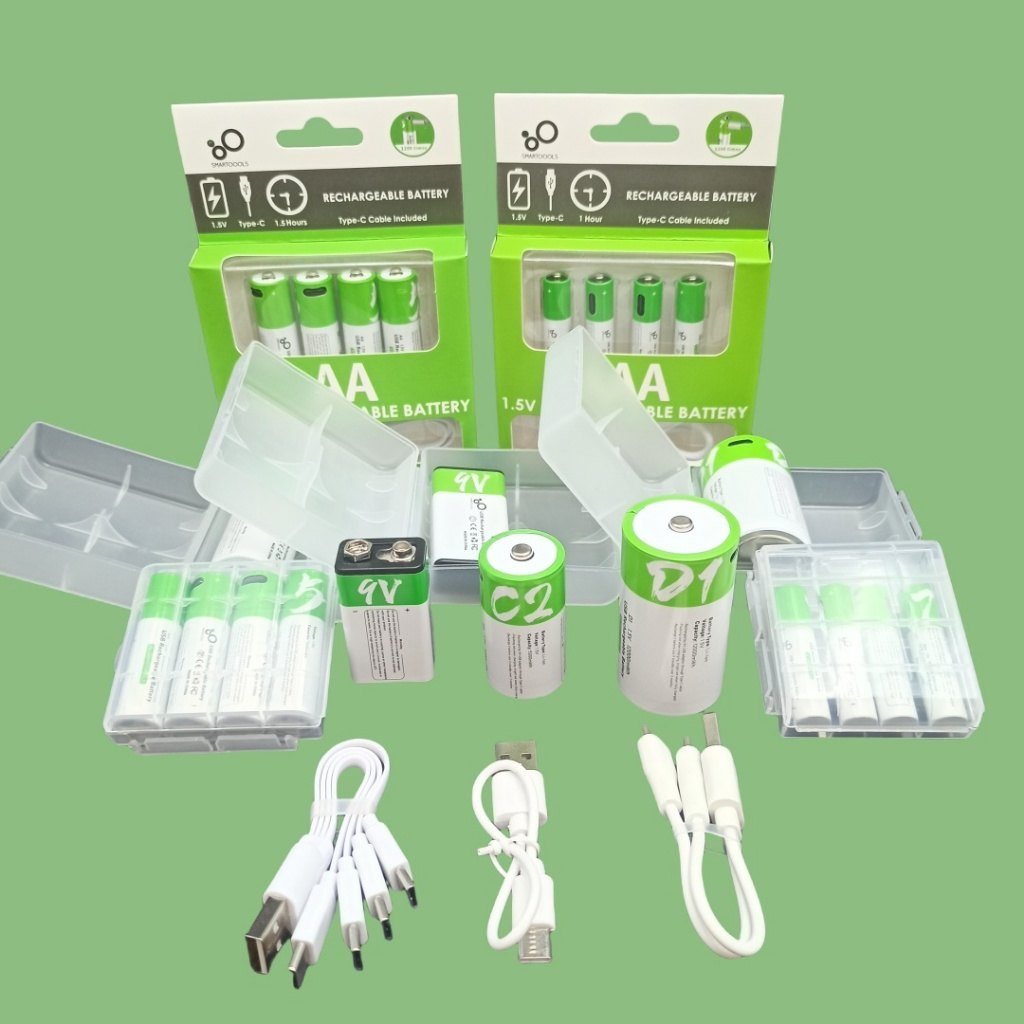
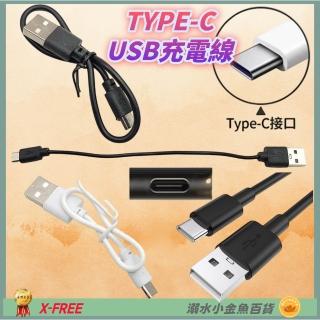
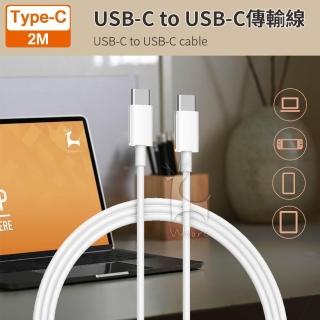
Prepare the rechargeable batteries, a 5V USB charger (commonly a phone charger), and the included TYPE-C cable + charging/storage case.
2) The correct charging steps (6-step checklist)
Do not charge inside devices. Place batteries in the correct slots, keep terminals from touching, connect to 5V USB, and monitor LED status.
3) LED interpretation: green flashing vs. blue steady
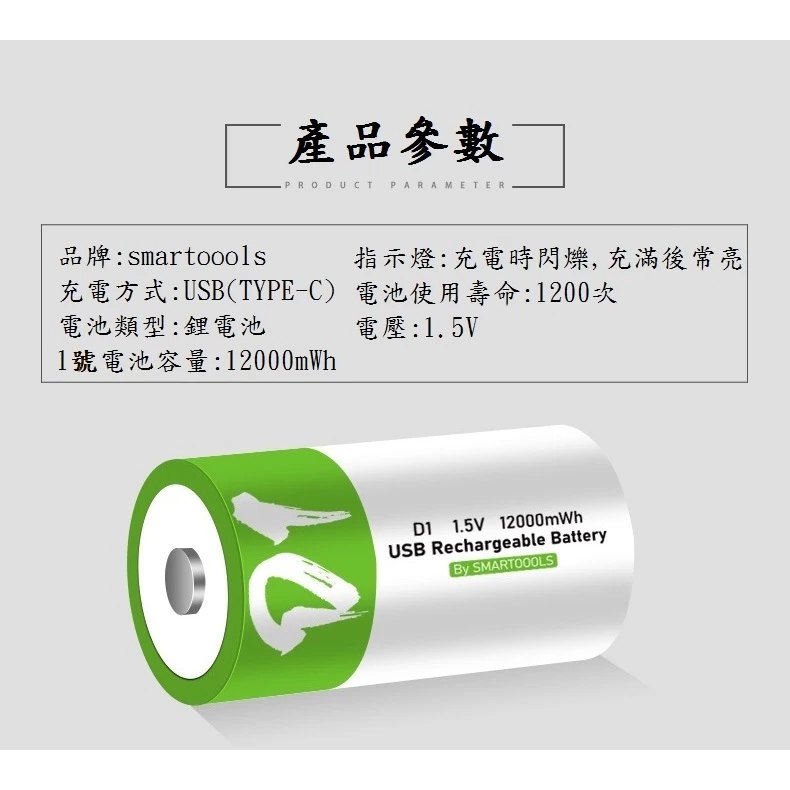
Green flashing indicates charging in progress. When fully charged, it stops flashing and shows blue light (per product description).
4) Safety reminders that matter most
Stop using any leaking or deformed battery. If you notice abnormal heat or odor, stop charging immediately.