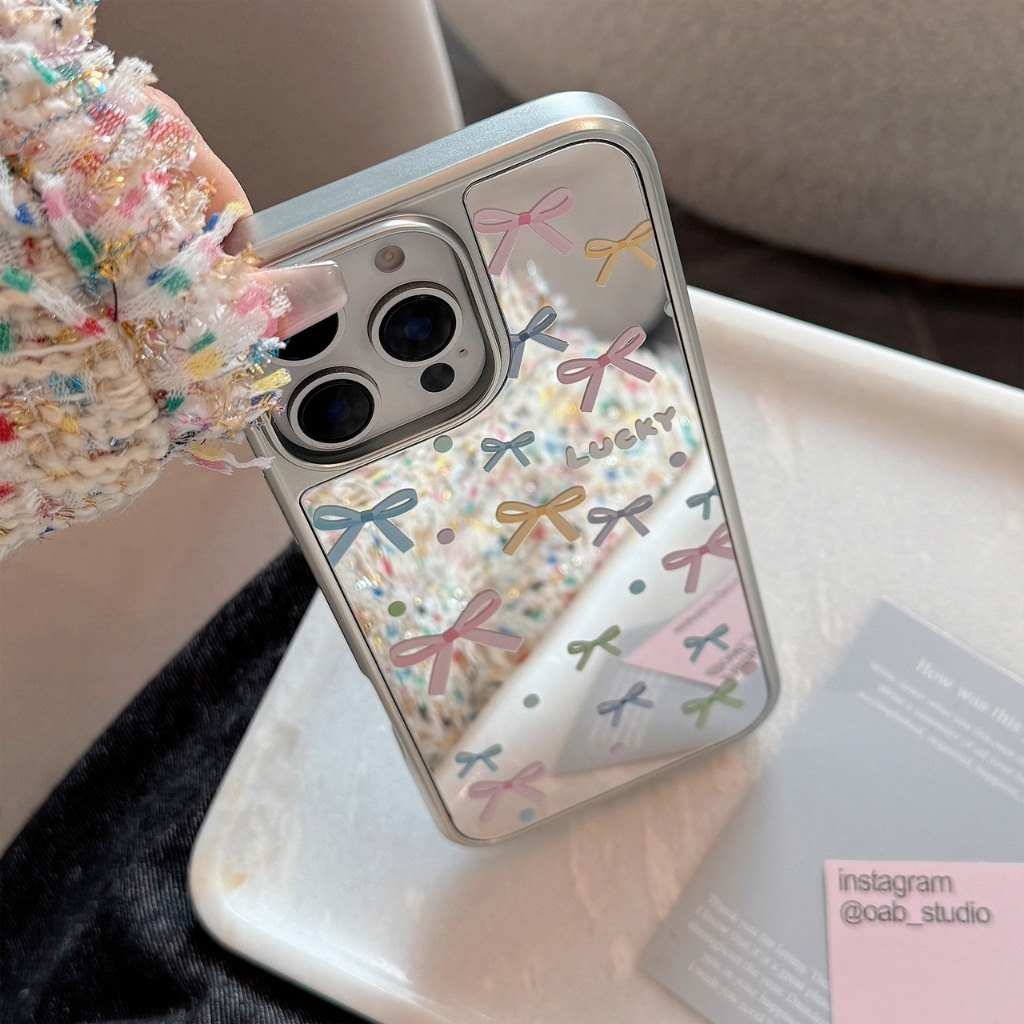
Mirror Phone Case Pain Points Solved: Fingerprints, Scratches, Loose Fit & Lens Rubbing (iPhone XR/Pro Max)
Mirror cases look great, but common issues include fingerprints, micro-scratches, loose edges, and lens-area rubbing. This article breaks down each pain point with causes and practical fixes, plus a quick 60-second post-install checklist for iPhone XR and Pro Max models.
1) Fingerprints & oil marks: clean the right way
Avoid aggressive dry wiping. Dry wipe first to remove dust, then use a microfiber cloth with minimal cleaner on the cloth (not directly on the case), and finish by drying to prevent water marks.
2) Micro-scratches: prevent hard-object friction
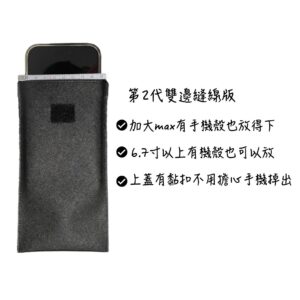
Store the phone separately from keys and coins. Use a divider pouch to reduce abrasion—mirror finishes show tiny marks more clearly.
3) Loose fit & poor button feel: compatibility is key
Choose the correct model version (iPhone 17/16/15/14 Pro Max and XR for this product). After installing, test buttons and check for any lifted edges.
4) Lens rubbing: verify camera cutout alignment
Check that the lens opening is aligned and doesn’t rub. After installation, confirm there’s no friction and that the camera area feels secure.

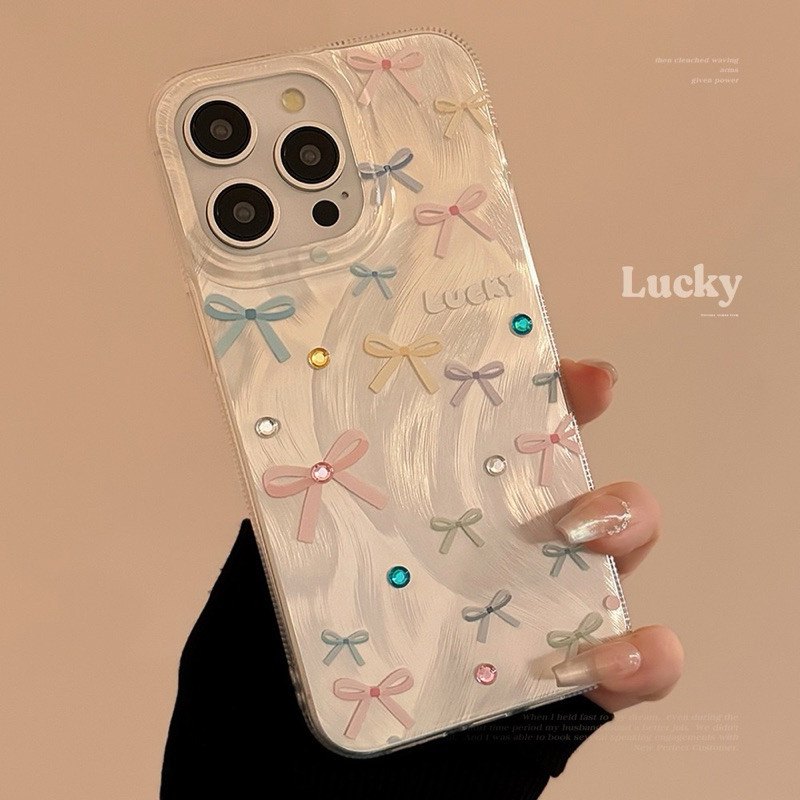 痛點 1:指紋油痕越擦越明顯(原因與解法)
 痛點 2:包包摩擦出現細刮痕(原因與解法)