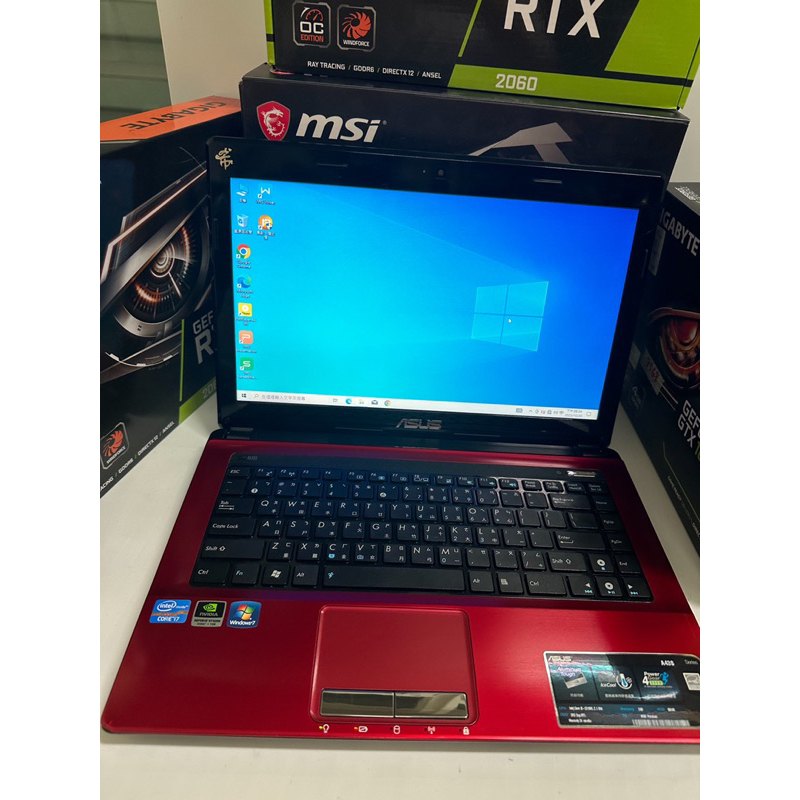
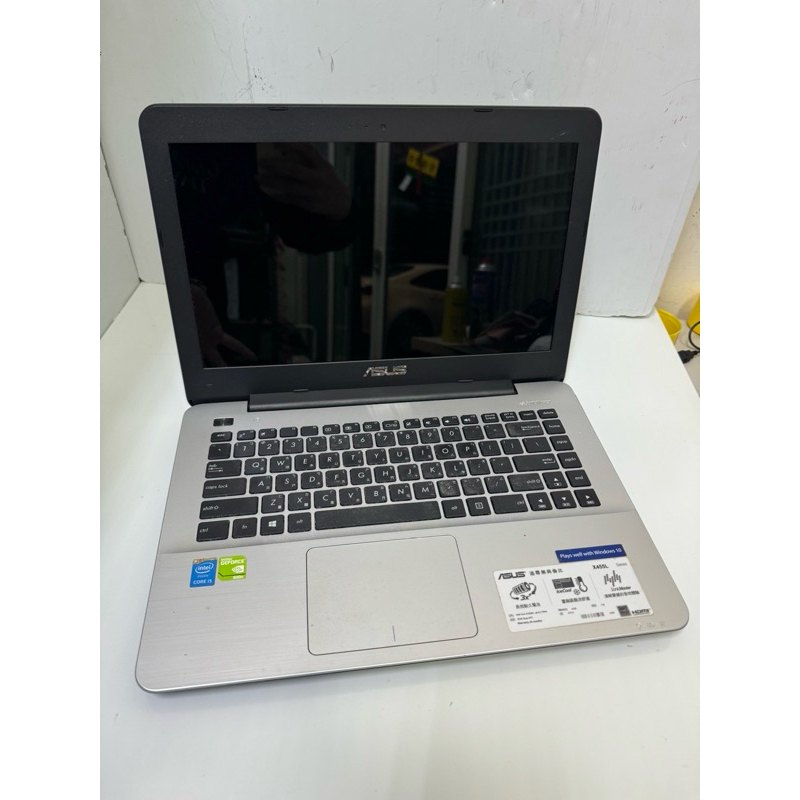
Stuttering, FPS Drops, Slow Loading? Fix Your AAA Experience with an i5 + Dedicated GPU Second-Hand PC
If your AAA games stutter, drop frames, or load too slowly, it’s rarely just one issue. This guide maps common pain points to the real causes—GPU load, RAM capacity, SSD performance, and cooling stability—then shows how an i5 + dual-A dedicated GPU second-hand setup can restore a smoother, playable experience. ✅
Pain Point → Likely Cause
FPS drops often come from insufficient GPU/VRAM, poor cooling leading to throttling, or low RAM causing memory swapping. Slow loading is usually storage-related.
Targeted Fixes Based on Real Specs
Prioritize checking the actual dedicated GPU model/VRAM, RAM capacity, and SSD status. For long sessions, cooling and stability checks matter as much as raw specs.
Two Practical Tests to Confirm Improvement
Run a short launch test to verify loading and visuals, then a 20–30 minute session to confirm stability and avoid sudden throttling or crashes.
FAQ
If specs are not ideal, adjust settings first and consider upgrades for RAM/SSD when applicable. The goal is stable, playable performance.