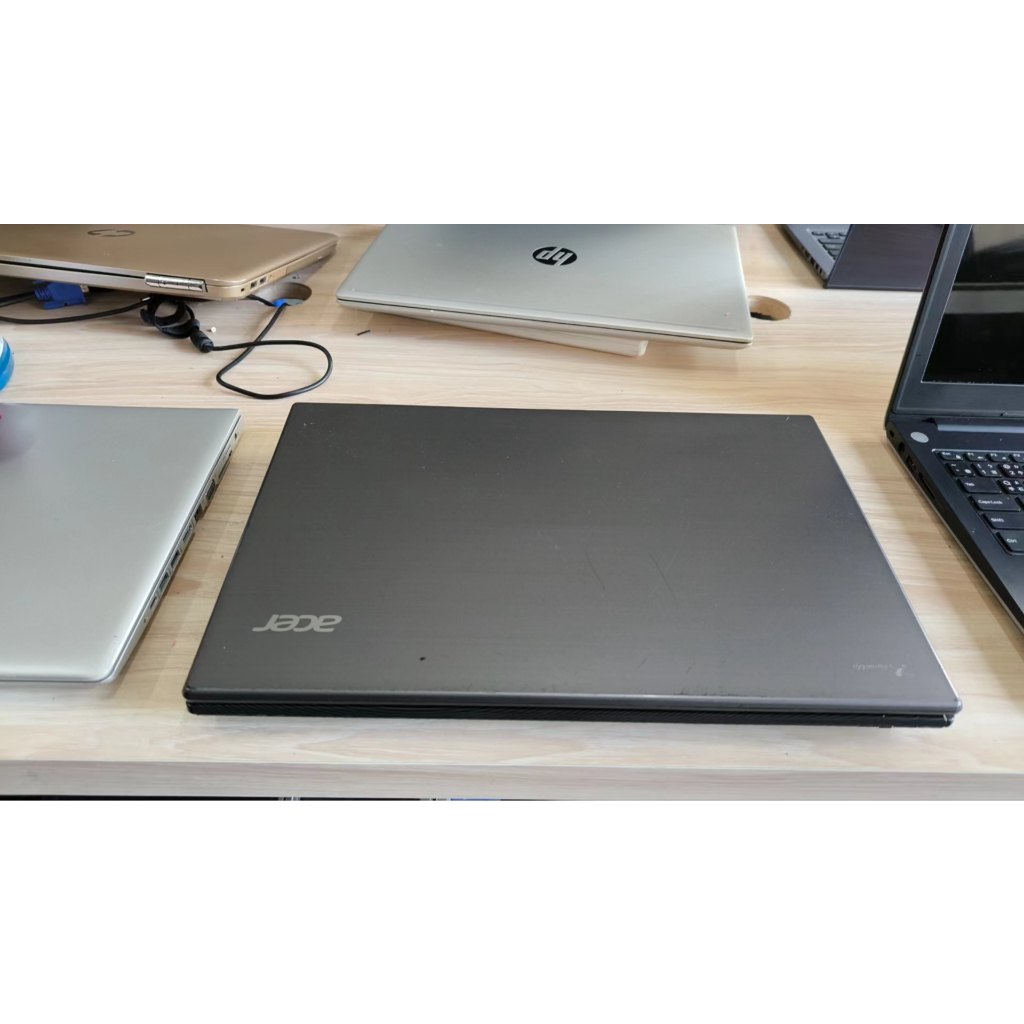
English Version
i7 Dedicated GPU vs i5 Dedicated GPU: What’s the Real Difference for a Business Laptop?
Even with the same dedicated GPU idea, i7 and i5 can feel different under multitasking and long-running workloads. This comparison uses real scenarios (office, video, emulators) to help you choose the right Acer laptop version.
What You’ll Notice: 5 Practical Differences
The biggest gaps usually show up in multitasking pressure, emulator/long-run comfort, background task handling, and overall switching smoothness—plus the budget/long-term value tradeoff.
Scenario-Based Recommendation
Choose i7 + dedicated GPU if you frequently run emulators or heavy multitasking for long sessions. Choose i5 + dedicated GPU if your core use is office and video with occasional graphics tasks.
FAQ: Dedicated GPU Isn’t the Whole Story
Dedicated GPU helps with graphics workloads, but CPU headroom still determines how well the system handles many apps and background processes at once.