Beginner Guide: How to Set Up OSK217 with USB Power & Bluetooth 5.0 (Plus Troubleshooting)
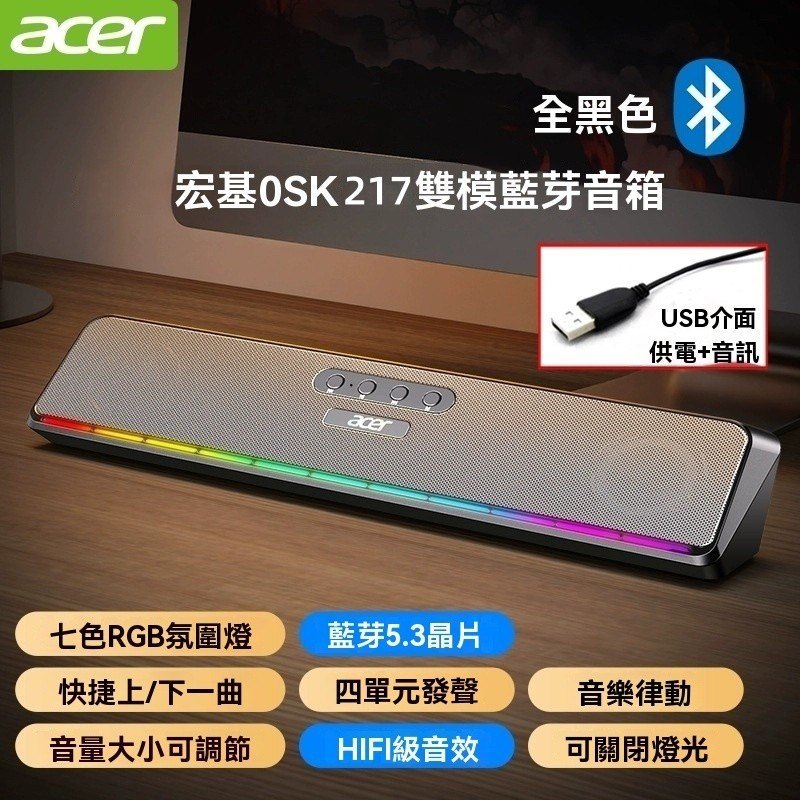
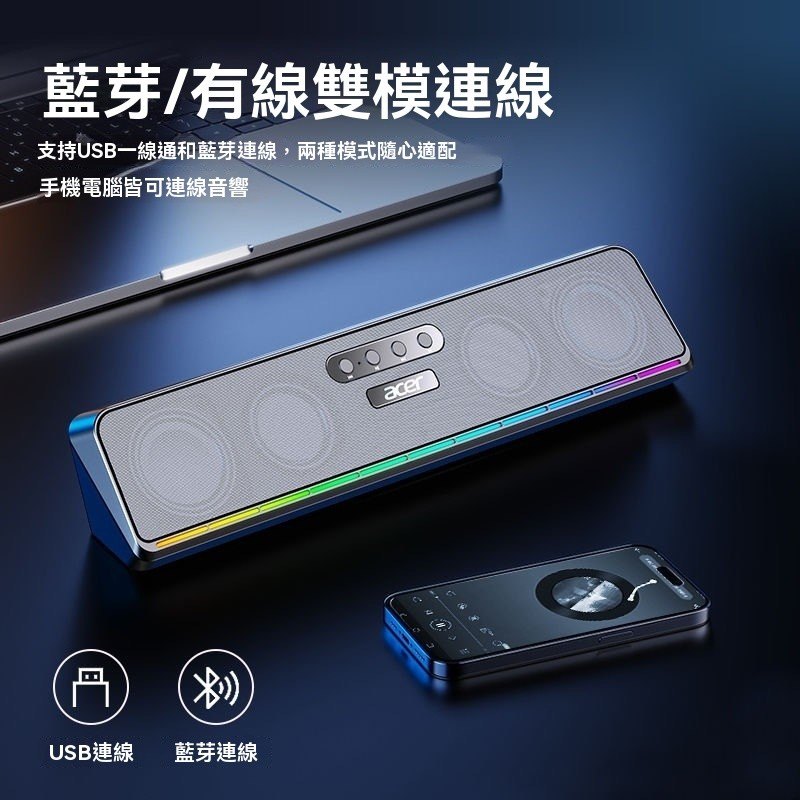
First-time Bluetooth speaker setup usually fails at pairing or audio output selection. This guide walks you through USB power-on, Bluetooth 5.0 pairing, choosing the correct output device, and quick fixes—so you can hear sound within minutes.
Step-by-Step Setup (USB Power → Pairing → Output Device)
Start by powering OSK217 via USB external power, then pair via Bluetooth 5.0 on your phone or laptop. Finally, set OSK217 as the audio output device to avoid “connected but no sound.”
Troubleshooting Checklist
If you have no audio, check the system output device. If connection is unstable, reduce distance and interference. If lighting is unclear, confirm USB power and cable seating.
Quick Tips for Better Listening
Use moderate volume on the speaker first, then fine-tune from your playback device. Place the speaker near the front of your desk for more direct sound.

 先確認你手邊的設備