English Version
Low Bass Not Enough & Sound Feels Scattered? Fix the “I Can Hear It, But It’s Not Fun” Problem with a 2.1-Channel Bluetooth Soundbar
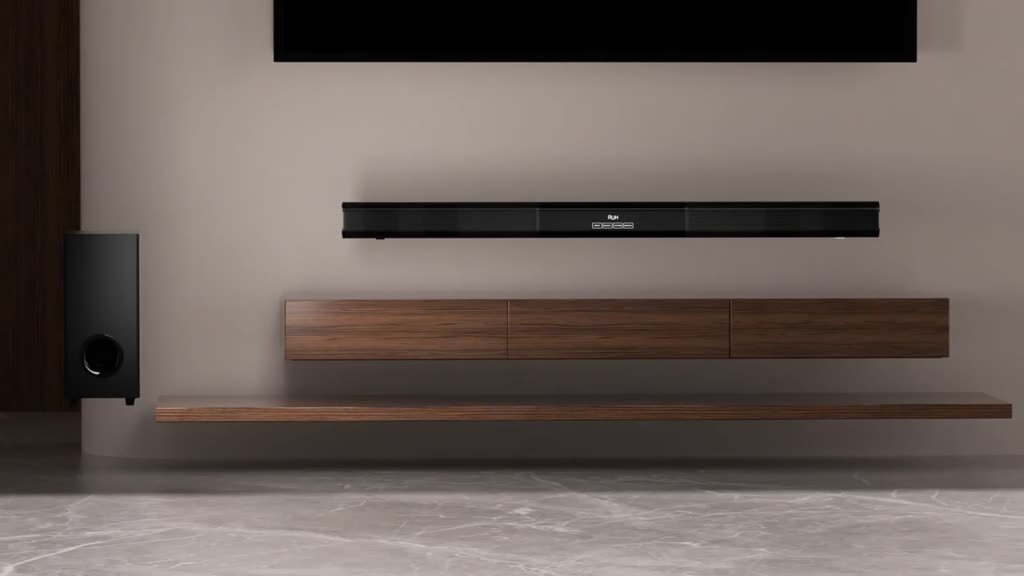
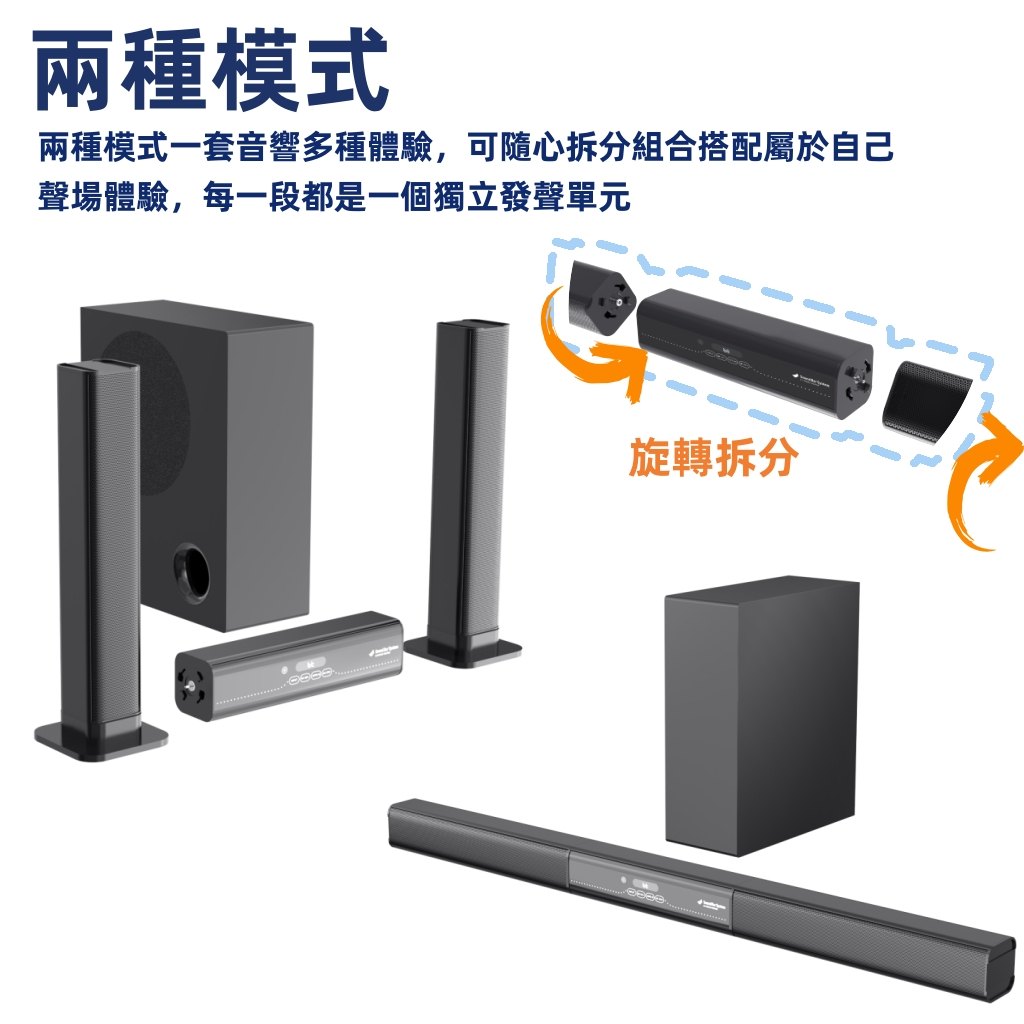
Do you feel the TV sounds thin, bass lacks impact, and effects feel scattered? This article targets the exact pain points with practical placement, tuning, and setup guidance—so a 2.1-channel Bluetooth soundbar with subwoofer can bring back immersive, satisfying sound. ✅
Pain point: thin bass and weak impact
When explosions and drum hits feel merely audible, the low-frequency portion is usually not doing enough. A 2.1-channel design helps add thickness and weight.
Pain point: dialogue not focused
If dialogue feels like it’s floating, placement and sound direction matter. Position the soundbar in front of your TV and align it with your listening seat.
Pain point: switching devices is annoying
Bluetooth wireless connection can make everyday use smoother—pair your phone/PC, then confirm the audio output before playing.
FAQ: how to know you tuned it right
If bass is muddy, lower the sub-bass/low-frequency setting and adjust placement. For clearer dialogue, rebalance bass levels and test with dialogue-heavy content.