How to Pair a Bluetooth Speaker Without Annoying Delay? A Step-by-Step Setup Guide (Phone to Laptop)
Bluetooth speakers can feel unstable or delayed if setup isn’t right. This guide shows a practical workflow for pairing with phones and laptops, calibrating volume, and troubleshooting common issues—so you can enjoy a smoother listening experience.
Step-by-step pairing (first time setup)
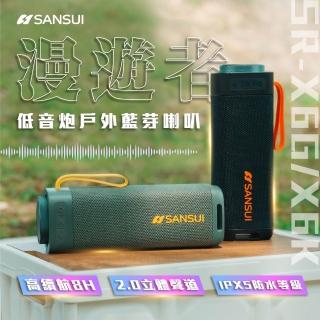
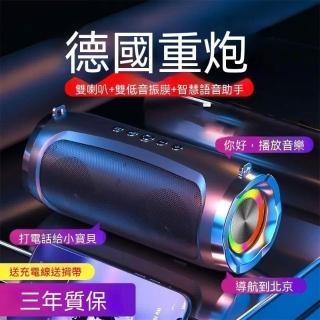
Turn on the speaker, switch to Bluetooth mode, search on your phone/laptop, and complete pairing. Play a short track to confirm audio output is correct.
Reduce perceived delay with volume and playback settings
Set the source device volume to a moderate level, then fine-tune on the speaker. For video platforms, use any audio sync option if available, and avoid multiple devices streaming at the same time.
Switching from phone to laptop smoothly
Stop playback on the current device first, then switch Bluetooth output on the new device. This helps prevent connection glitches and “wrong device” audio.
FAQ and quick troubleshooting
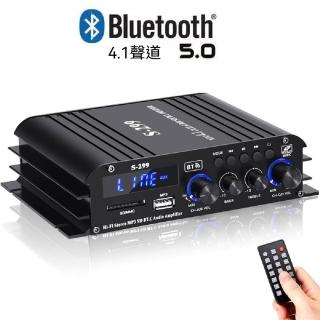
If the speaker isn’t found, confirm Bluetooth mode and move closer. If volume jumps, rebalance volume between the source and speaker. For radio listening, switch to FM mode when you don’t want Bluetooth playback.


 先確認藍牙模式,再進行裝置配對。
 配對成功後再調整音量,避免忽大忽小。