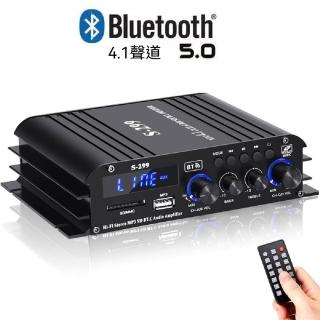
Bass Too Weak and Sound Too Thin? Fix It with a Bluetooth Dual-Speaker Setup (Pain-Point Solutions)
Weak bass and thin sound usually aren’t just “bad speakers.” Placement, volume calibration, and usage mode matter. This guide tackles common pain points—thin bass, poor stereo feel, unstable switching, and the need for radio—then shows how a Bluetooth dual-speaker system can address them.
Pain point: bass feels thin
Start with placement (avoid speakers pressed against walls/corners) and calibrate volume between your phone/laptop and the speaker. Test with tracks that have clear kick drums and bass lines.
Pain point: sound feels flat or not stereo
Aim both speakers toward your listening position and keep left/right placement reasonably symmetrical. Stereo output and dual-speaker layout help create a wider sound image.
Pain point: switching devices is annoying
Stop playback before switching. Avoid having multiple devices stream at the same time. If needed, re-pair once to reset a clean connection state.
Pain point: want radio without using your phone
Use FM mode for background listening. It adds flexibility beyond Bluetooth playback and fits everyday routines.


 雙喇叭與立體聲配置,讓音場更好分辨。