English Version
How to Set Up an Open-Ear Bluetooth Earphone: 7 Steps for Pairing & Call Troubleshooting
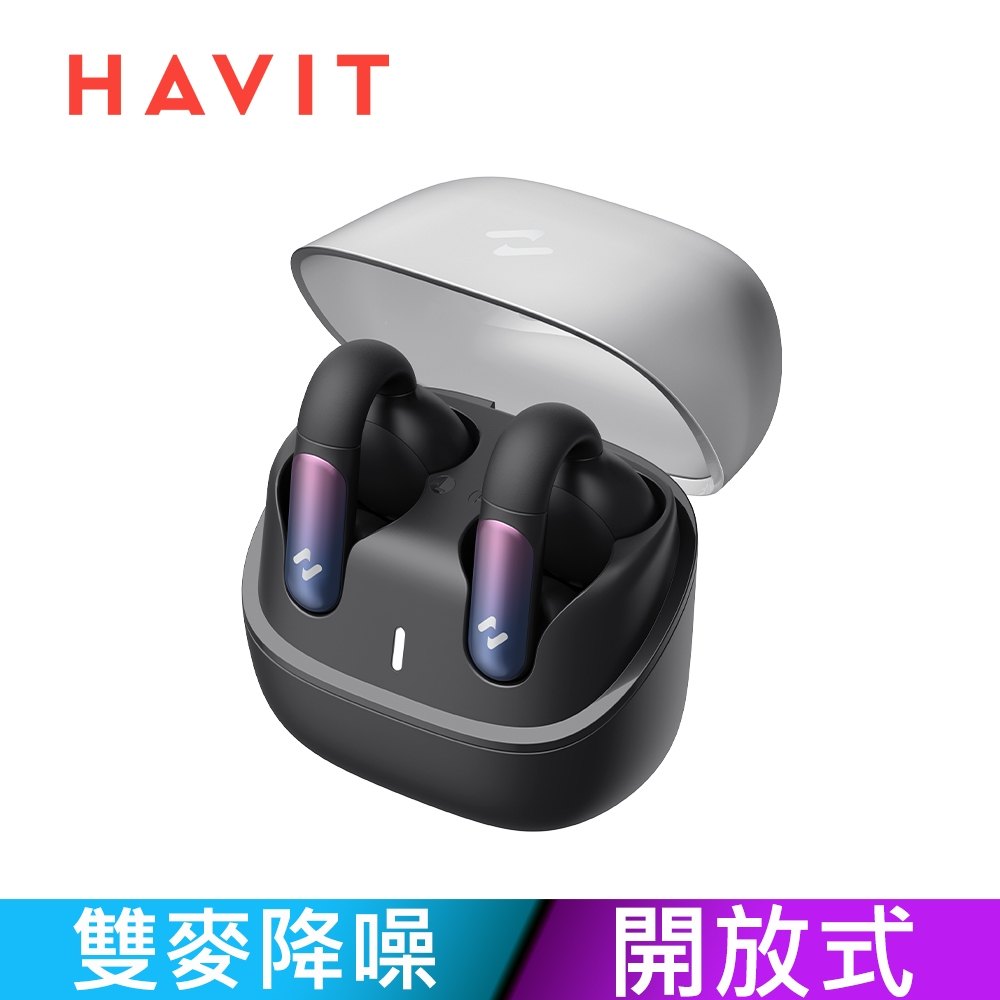
New open-ear Bluetooth earphones are easy to enjoy—but setup and call settings can be confusing. This tutorial walks you through pairing, audio output, volume control, and microphone checks using OPENBUDS ONE as an example.
Step-by-step setup: from pairing to daily listening
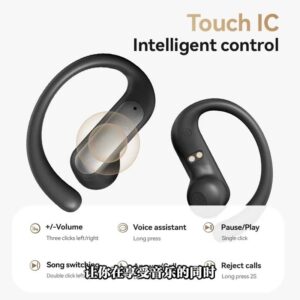
Start with charging, enable Bluetooth, enter pairing mode, select the device, confirm audio output, test volume control, and run a quick microphone test before real calls.
Call troubleshooting: the 3 most common causes
If the other side can’t hear you clearly, check microphone source selection, verify the earphone is securely positioned, and adjust both system and earphone volume.
Open-ear expectations: what’s “normal”
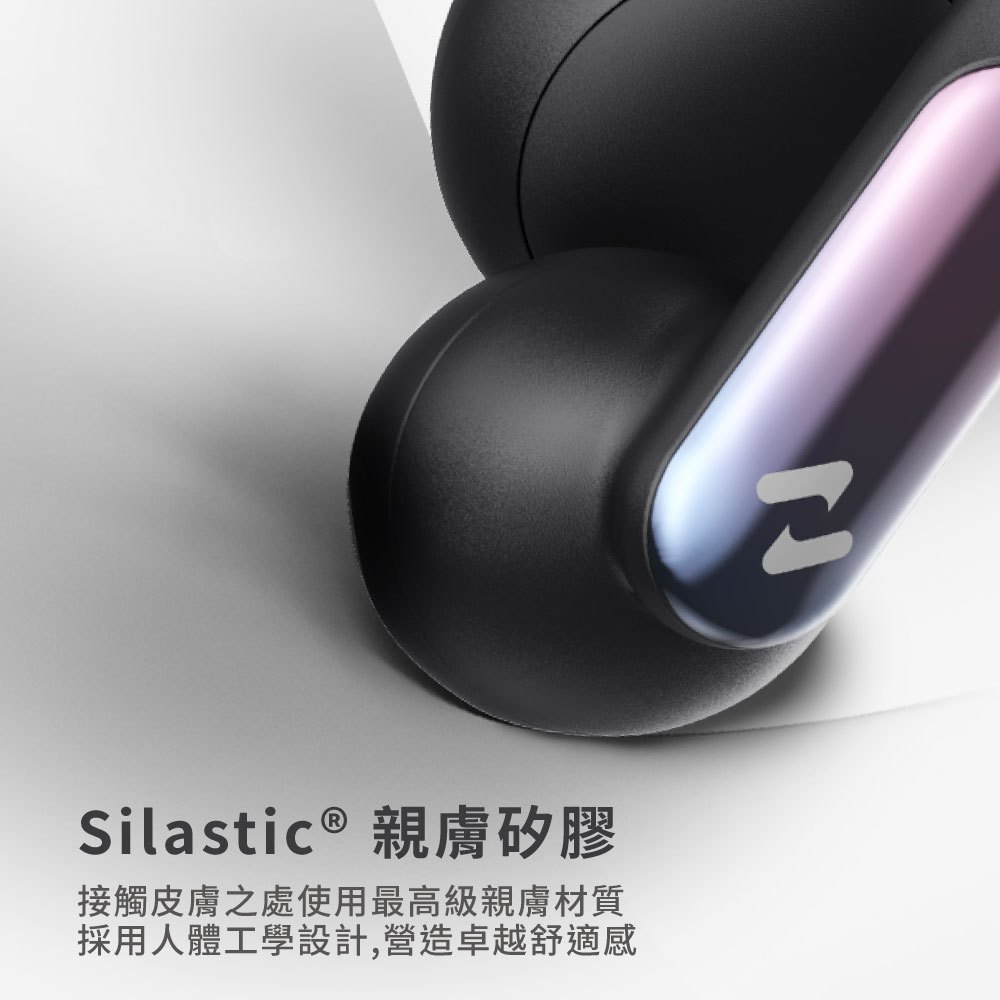
Open-ear designs preserve ambient sound. If you feel less “sealed,” that’s expected behavior—not a defect.
CTA: use the checklist to verify your setup
Follow the 7 steps once and you’ll reach stable connection and comfortable fit faster—then you can enjoy the open-ear experience confidently.