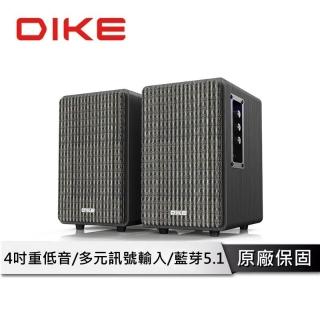
Setup Guide for a Wooden Desktop Wired Speaker: How to Set USB Audio Output on Windows/Laptop
The most common issue after buying a wooden computer speaker is “no sound” or “sound from the wrong device.” Follow these steps to connect via USB wired and select the correct audio output—then fine-tune bass with placement and volume. 💡
Step-by-step USB connection
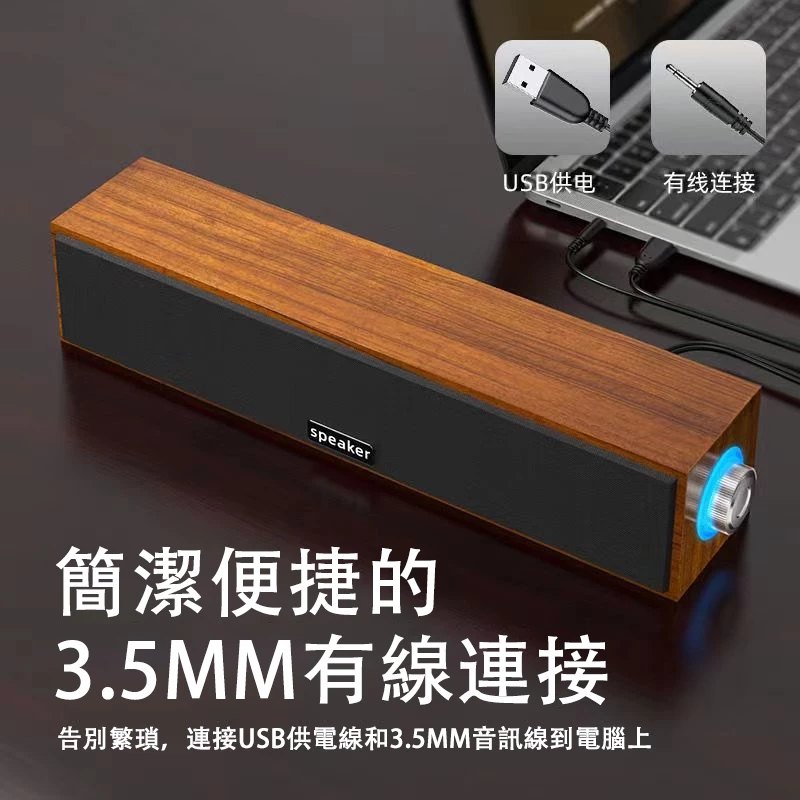
Plug the wired USB speaker into your PC/laptop, wait for device detection, and play a short audio clip to confirm basic output.
Select the correct audio output device
If there’s no sound, the system may still output to headphones or monitor speakers. Open sound settings and choose the USB speaker as the output device.
Tune bass with volume and placement
Start with moderate volume, then adjust gradually. Avoid placing the speakers too close to the wall to prevent low-frequency buildup.