How to Use a Phone Lanyard Charging Cable: Setup, PD Fast-Charging Checks, and Daily Tips
New users often wonder how to adjust the lanyard, verify fast-charging, and prevent loose connections. This step-by-step guide helps you set up the Type-C PD fast-charging lanyard cable for a smoother, more stable daily experience.
Step-by-Step Setup: From Compatibility to Lanyard Length
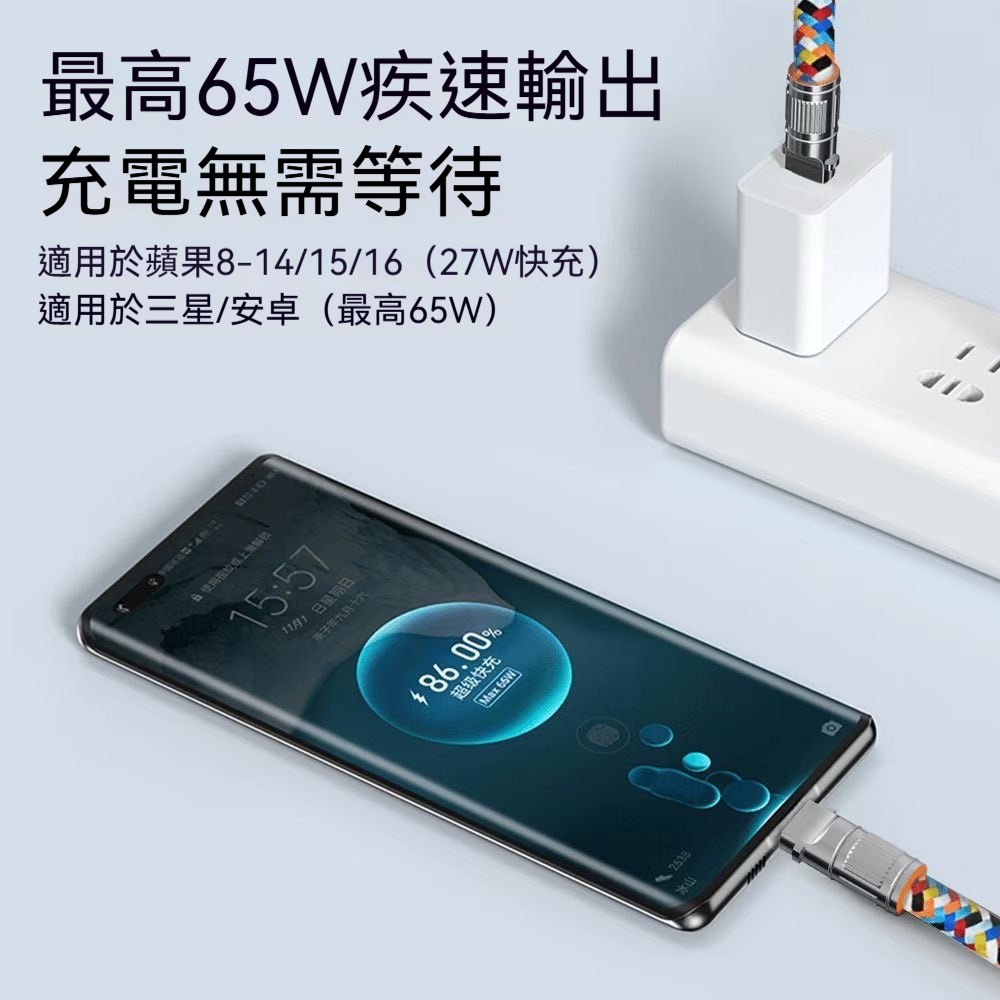
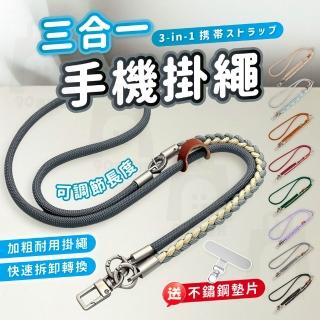
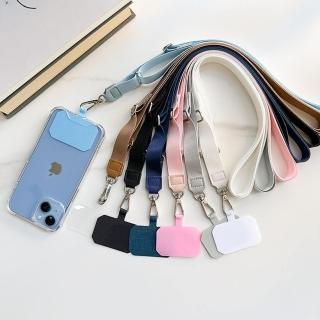
Confirm Type-C compatibility, prepare a PD-capable charger if you want fast charging, and adjust the lanyard length so the cable isn’t pulled tight during everyday use.
How to Verify PD Fast-Charging on Your Phone
Check your phone’s charging screen or system indicators for fast-charging/PD status. If it doesn’t show, the charger may not support PD—even if the cable is designed for it.
Daily Habits That Keep Charging Stable
Insert the connector straight, avoid twisting or tugging, and store the cable without knots or sharp bends to reduce wear over time.

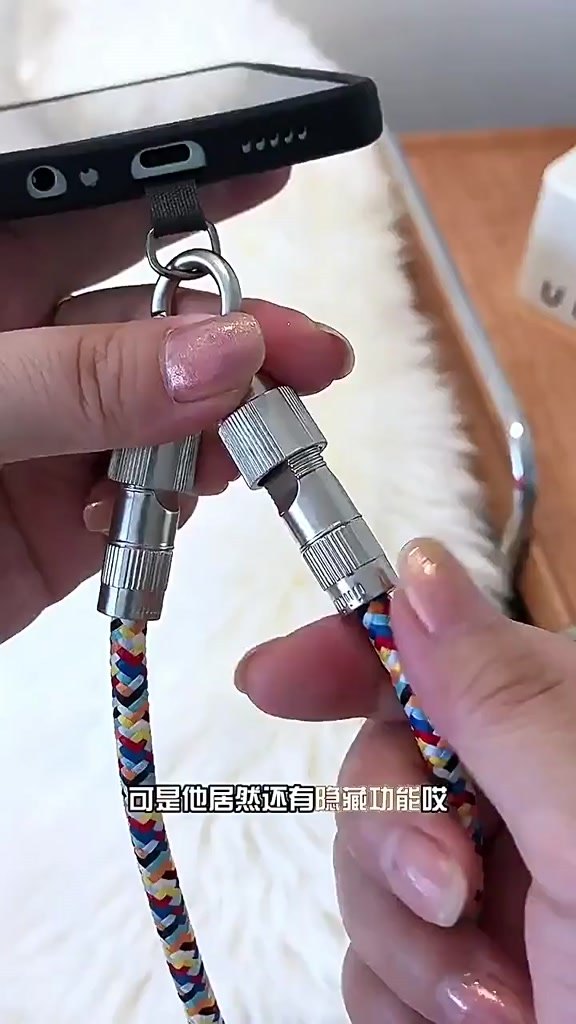 先做 3 件事:確認相容、準備充電頭、調好使用長度