Beginner’s Spec Decoder: What i7 6th Gen, 8GB RAM, and 512GB SSD Mean for an Office Laptop
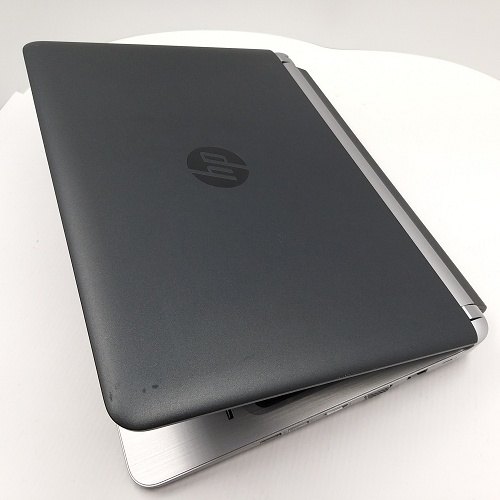
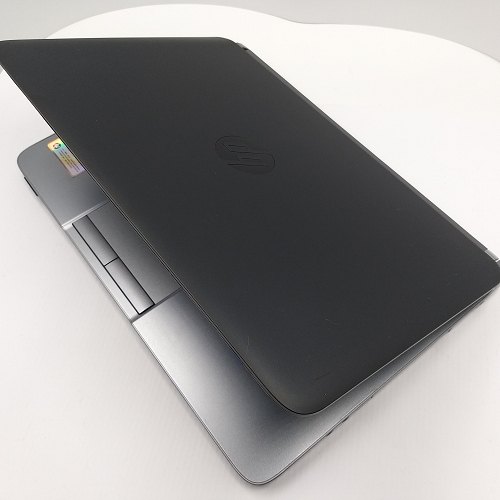
Confused by laptop specs? This article explains what i7 6th gen, 8GB RAM, and a 512GB SSD actually translate to in daily office use—using the ProBook 430 G3 configuration as a practical example.
CPU (i7 6th gen): what it changes in your workflow
The CPU affects responsiveness and multitasking stability. For typical office tasks—documents, spreadsheets, presentations, and window switching—i7 6th gen can deliver a smoother day-to-day experience.
RAM (8GB): judge by how many things you run at once
RAM determines how much you can handle simultaneously. 8GB is often workable for Office + standard browsing, but if you run many heavy tabs or background tools, you may feel pressure.
SSD (512GB): speed + storage management
A 512GB SSD improves boot/app loading and makes it easier to keep projects and frequently used files in one place—reducing friction in daily work.
Actionable checklist to improve performance
Limit unnecessary startup apps, organize frequently used files, and manage browser tabs/cache. These small steps help the laptop feel faster in real office use.