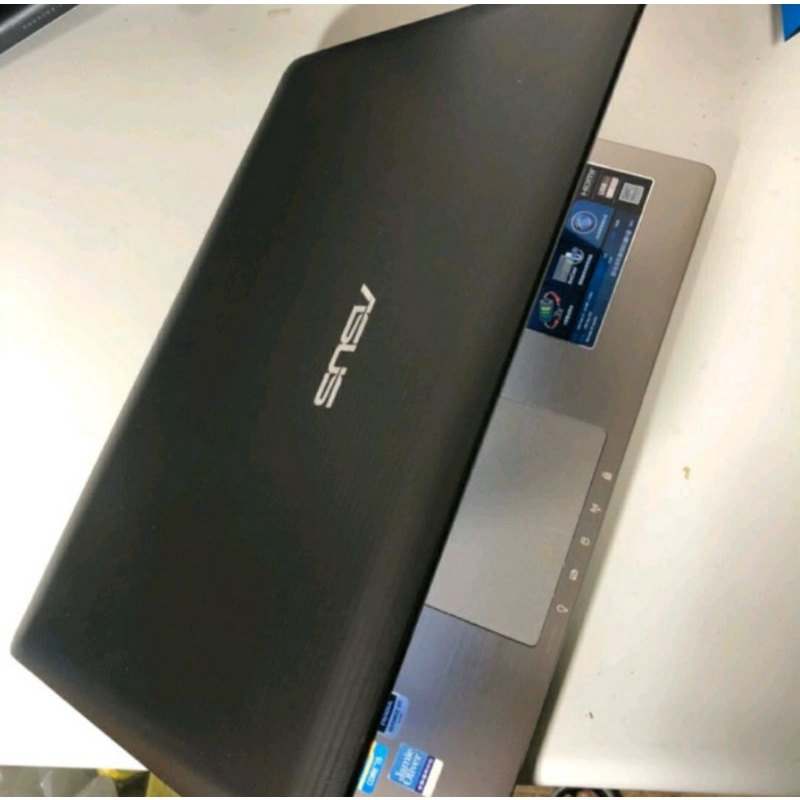
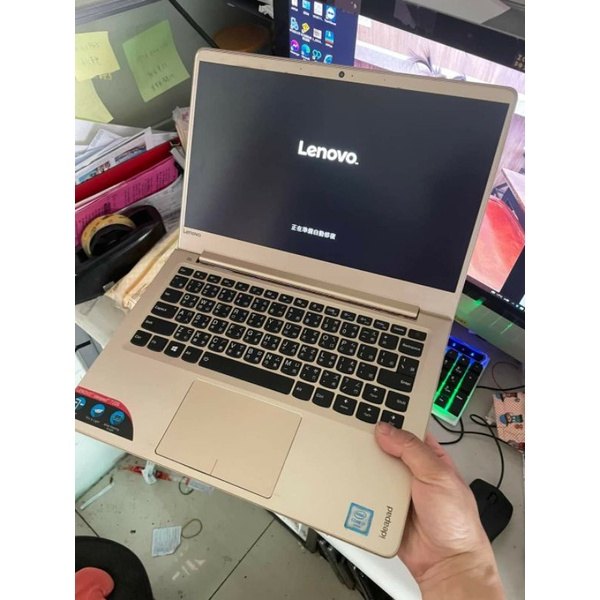
Refurbished i5–i7 Laptop/Desktop Check Guide: Boot, Specs, and Accessories
After receiving a refurbished i5–i7 unit, use this quick checklist to verify CPU/RAM/SSD expectations and confirm accessories—so you can troubleshoot early if anything is off.
1) Quick boot & basic health check
Within 5 minutes, confirm the device boots normally, the display is clear, and the fan/thermal behavior looks normal. Record any abnormal symptoms.
2) Verify the key specs against the listing
For this product line, focus on CPU level (i3/i5/i7 depending on batch), 4GB RAM, and SSD 120G. Also confirm laptop size preference (12.5-inch or 14-inch) if applicable.
3) Do a short real-use test and accessory check
Check power adapters/cables and run a simple workflow: open a browser, Word, and play a video. Pay attention to battery behavior if you plan to use it unplugged.
4) FAQ: wear marks, mismatched specs, and RAM/SSD expectations
Cosmetic wear is normal for refurbished units. If specs don’t match your notes, follow the seller’s process. 4GB RAM and 120G SSD are usually fine for office/video, but heavy multitasking or large installs may require more storage.
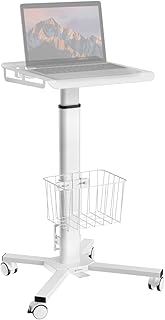
Rolling Desk for Laptop – Standing or Sitting Mobile Computer Cart with Wheels, Adjustable Height & Angle 23.6-inch Surface – Portable Home Office Workstation – Black